rnblocks

The fastest way
from idea to
mobile prototype.

Stop describing your app. Start showing it.

Free to sign up · 50 credits included · No credit card required

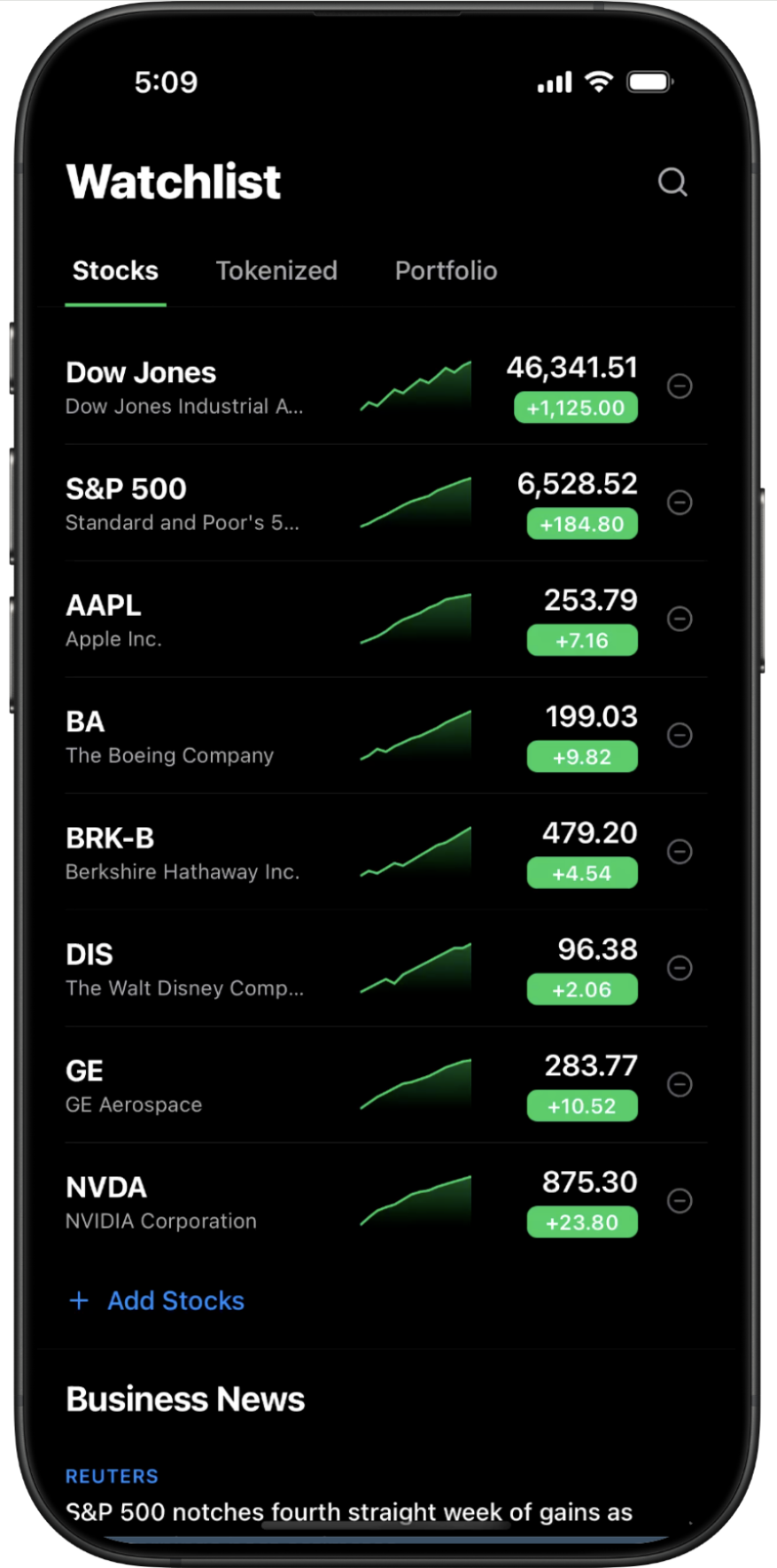
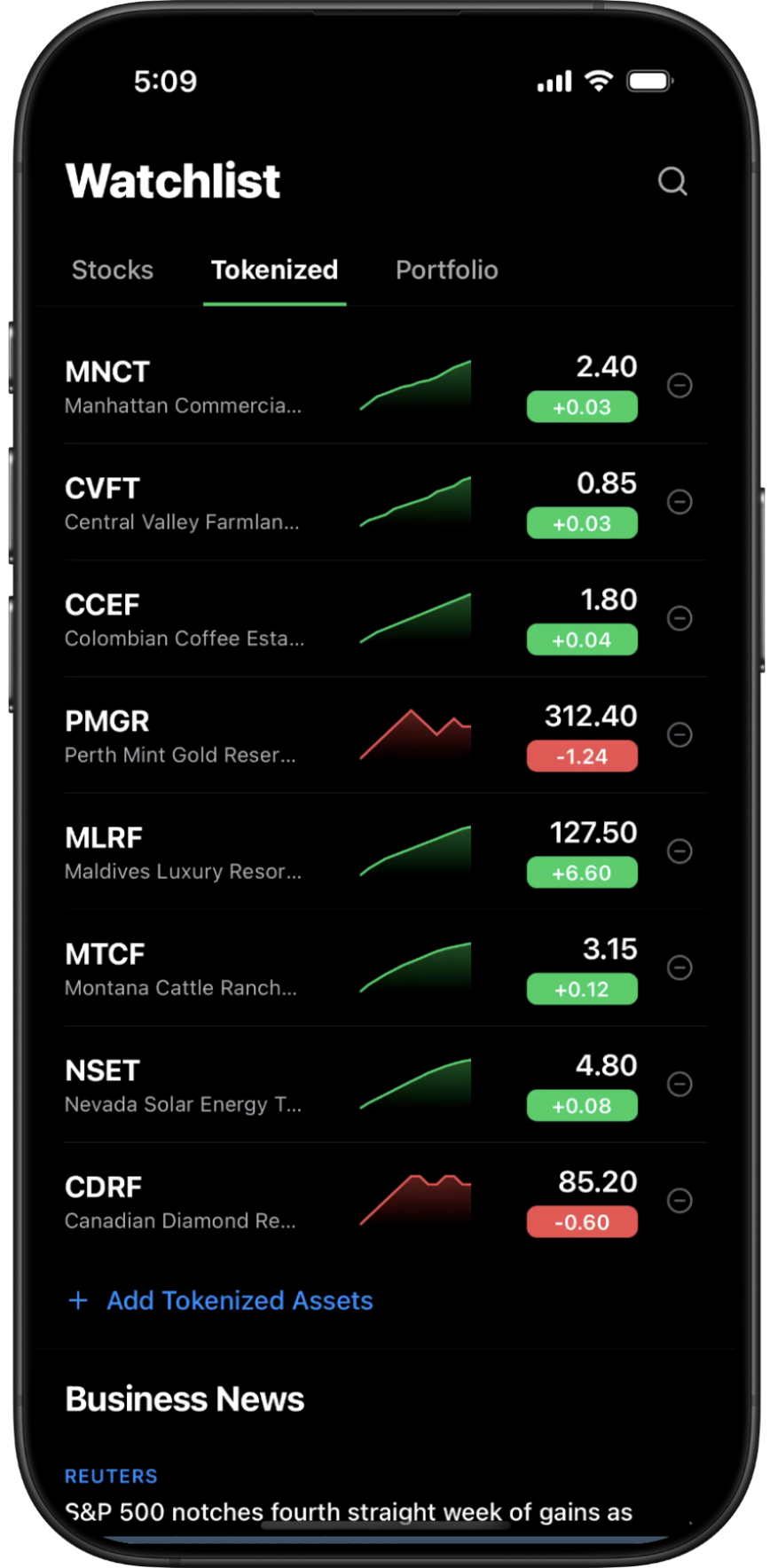
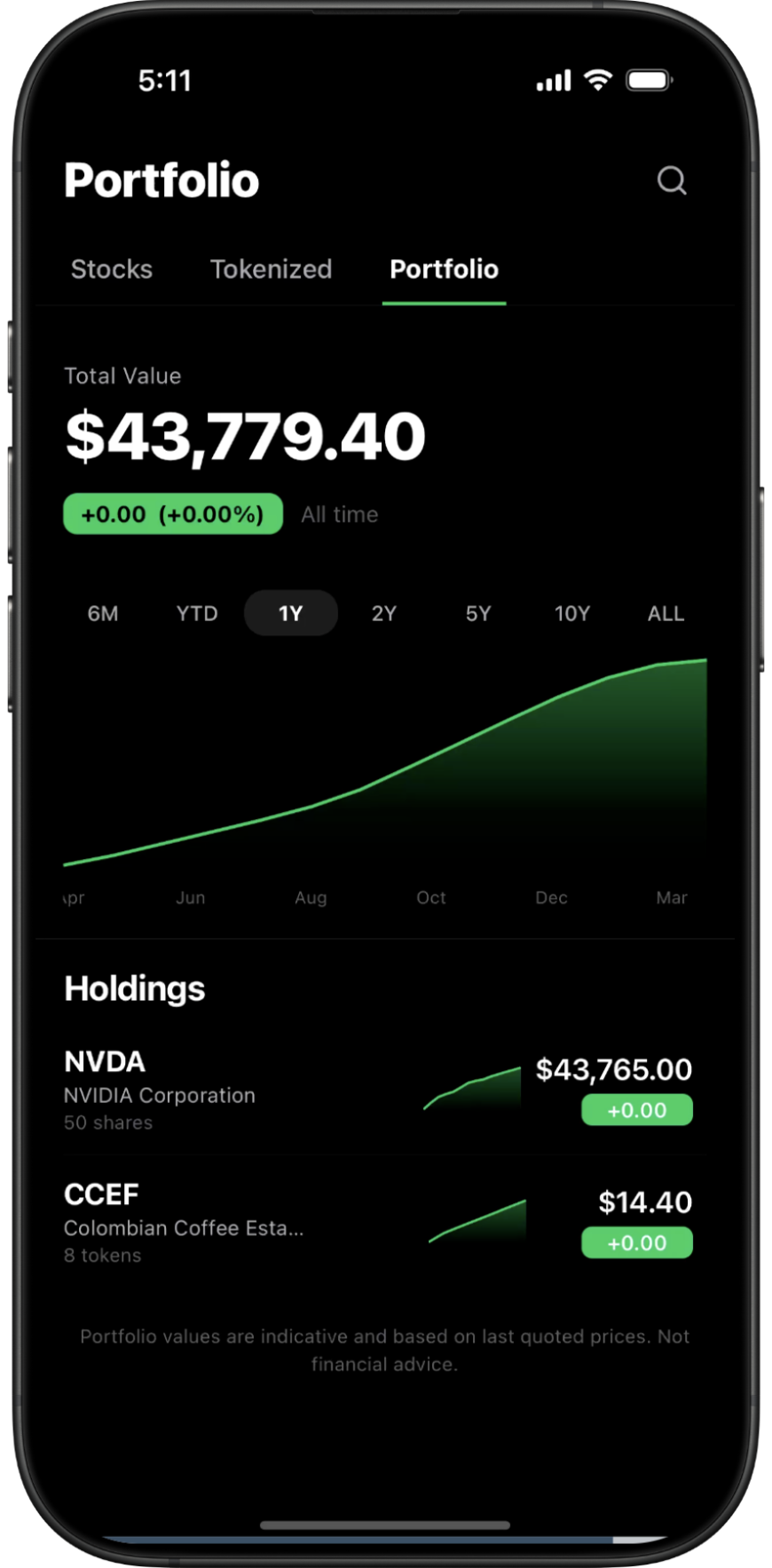
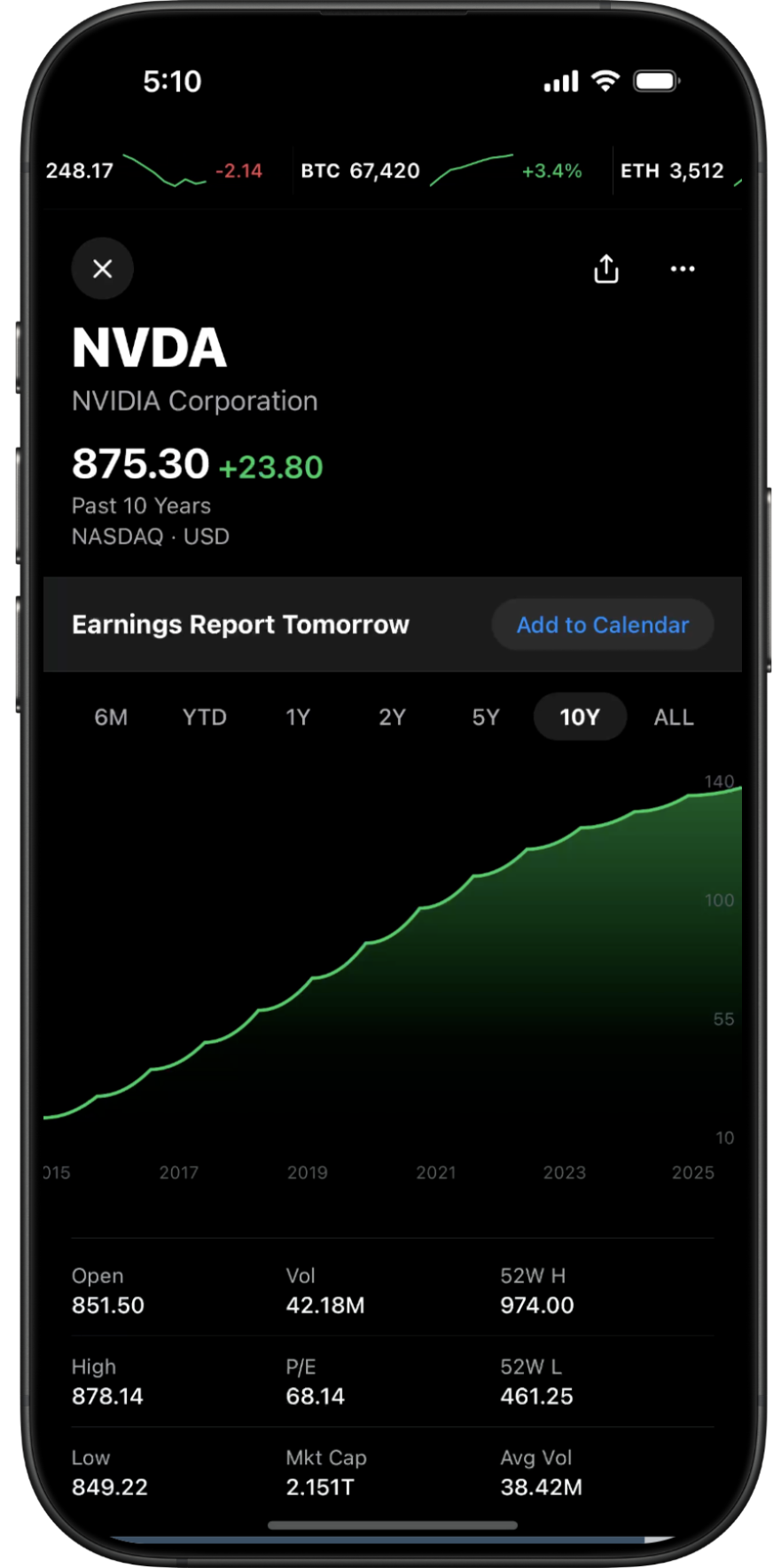
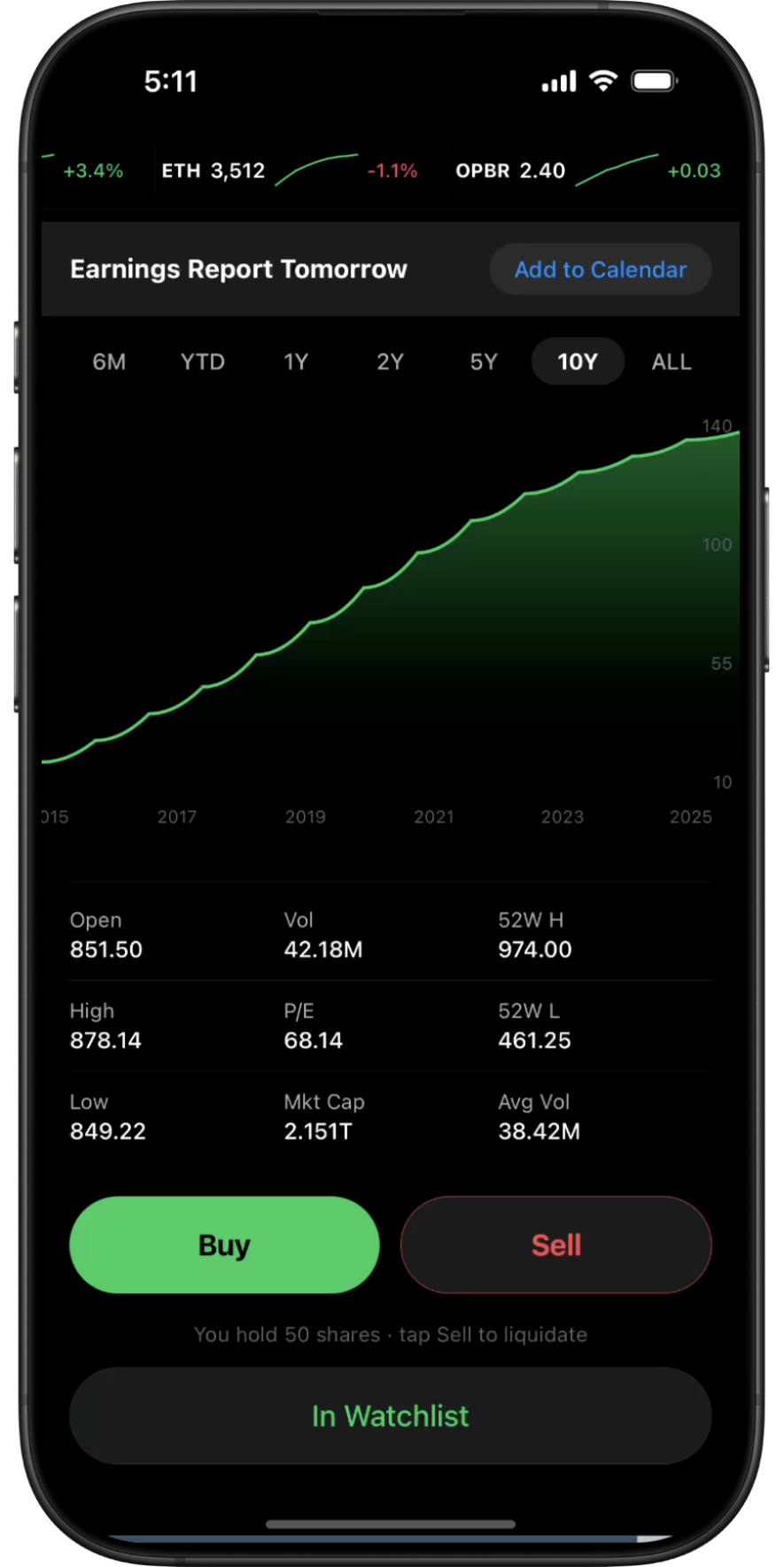
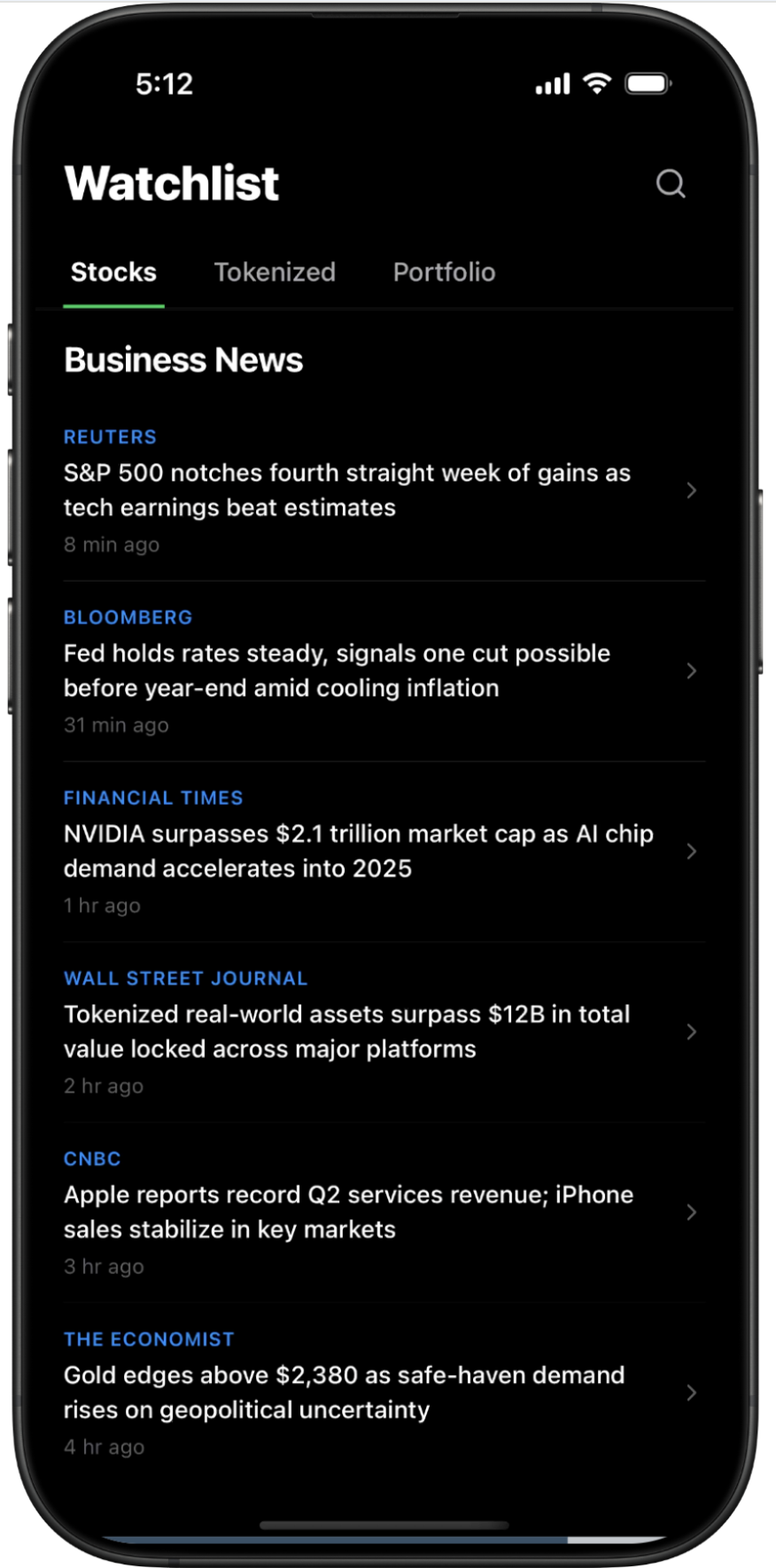
Creat an investment portfolio tracker with a dark theme
Waiting for prompt…

Live Demo

Featured templatesBrowse all →
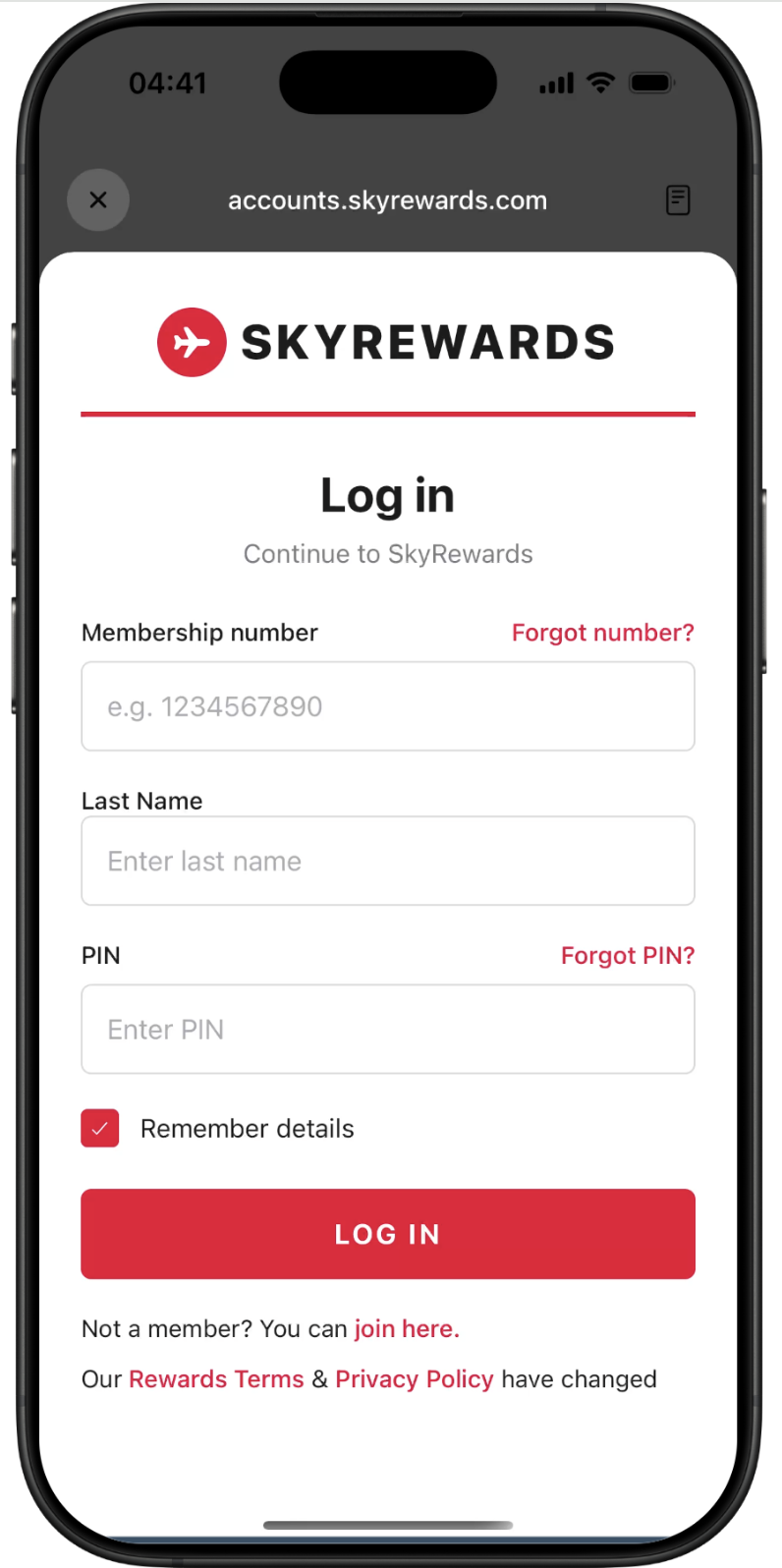
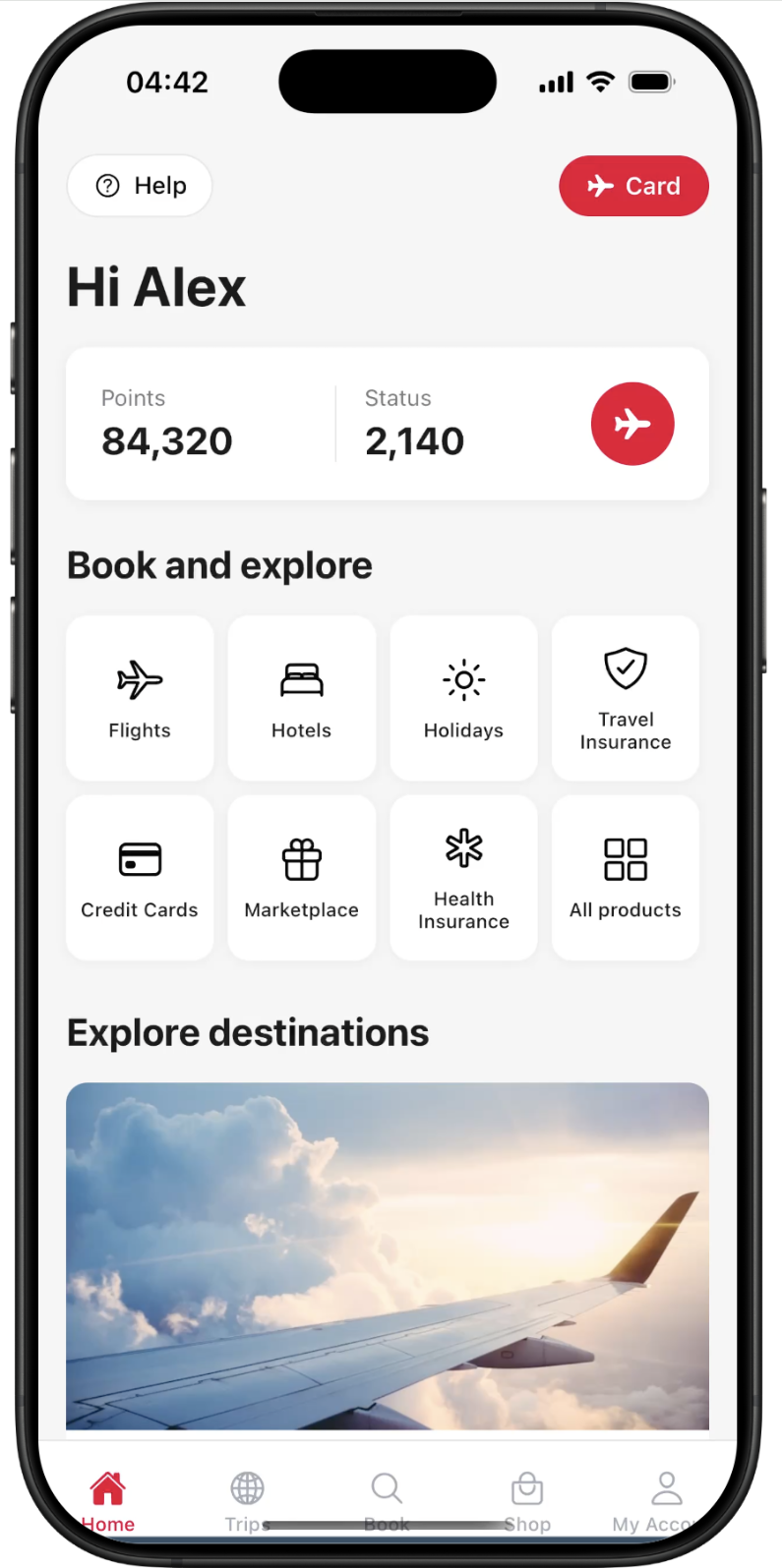
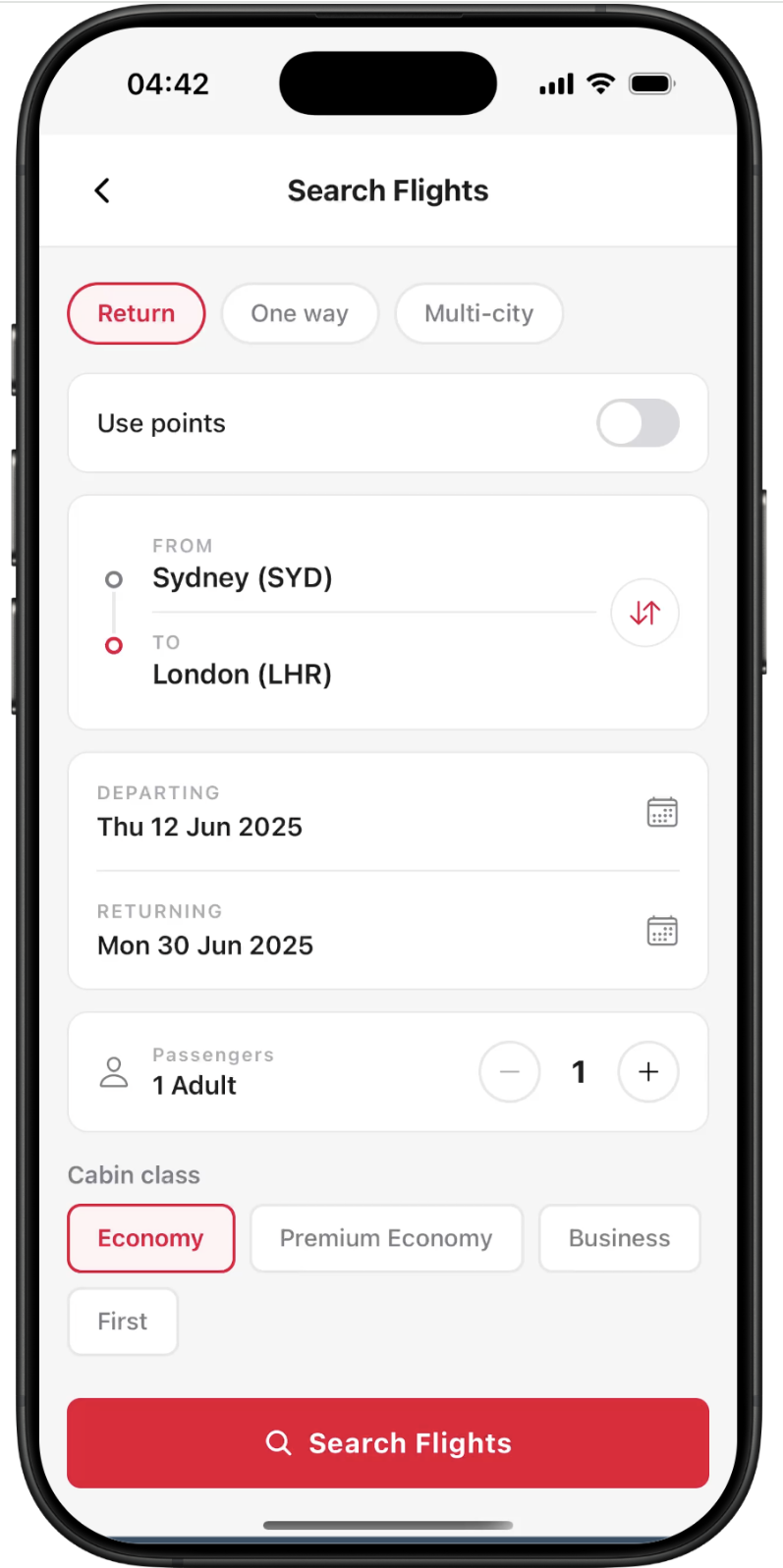
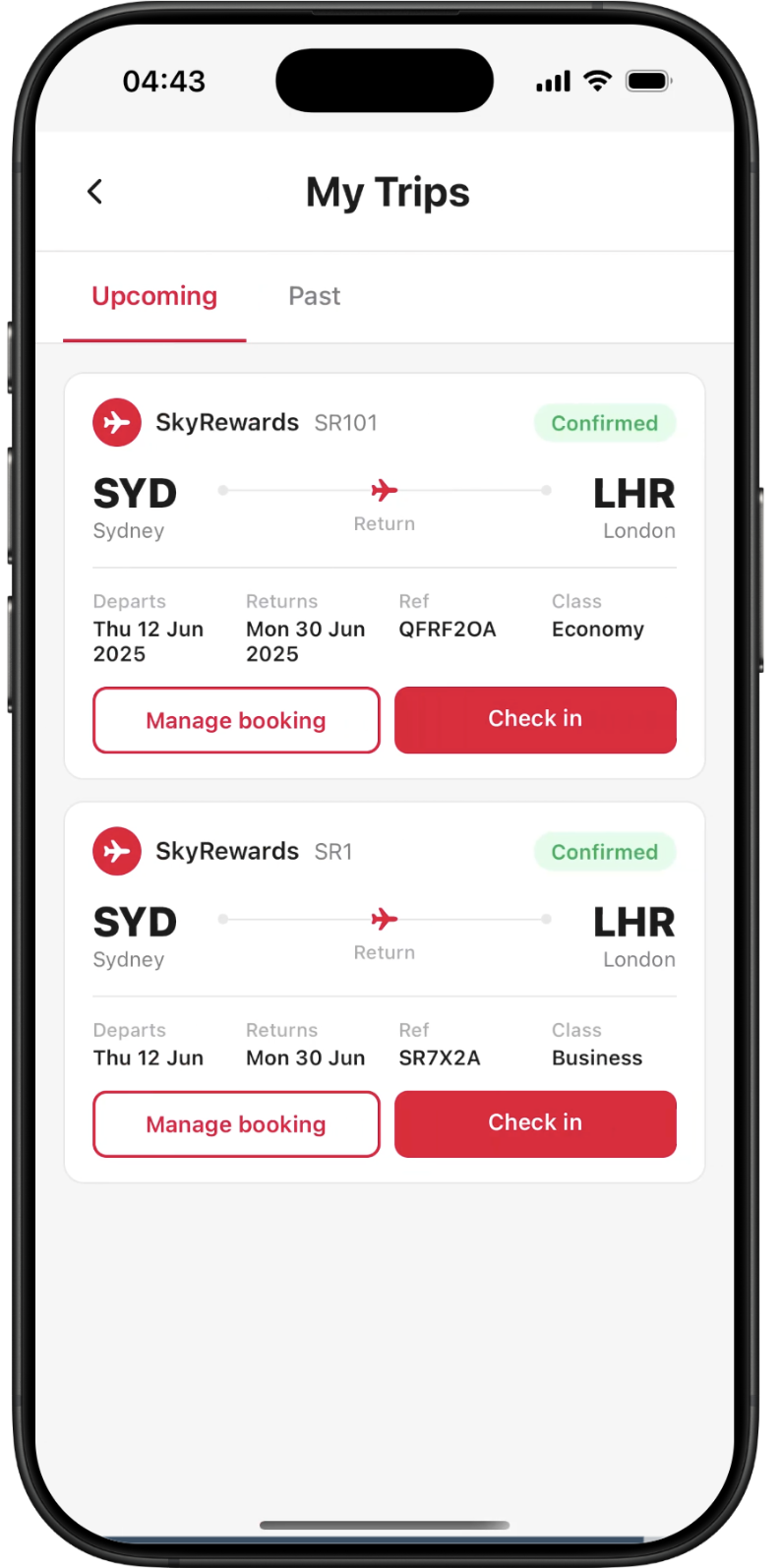
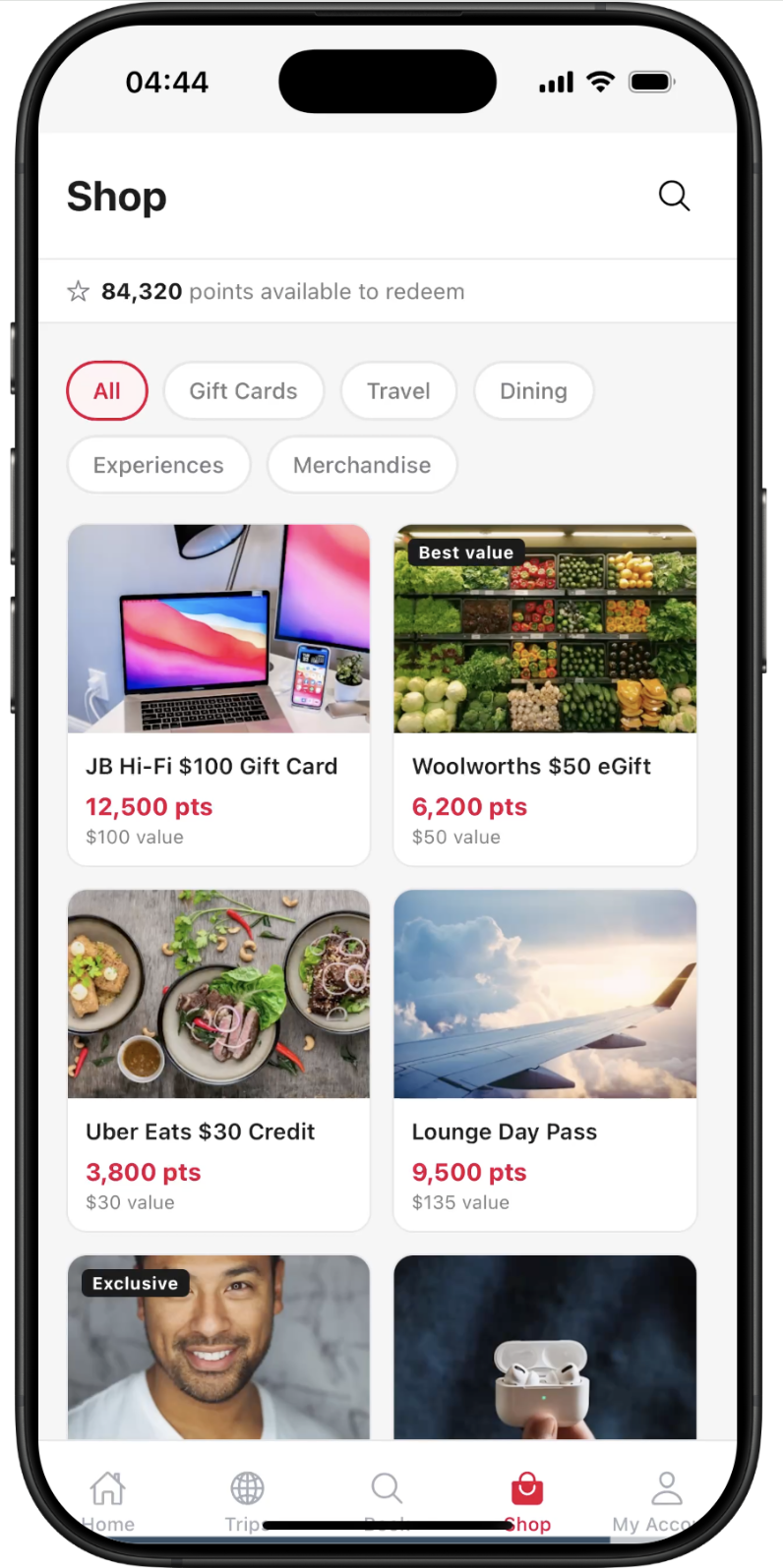
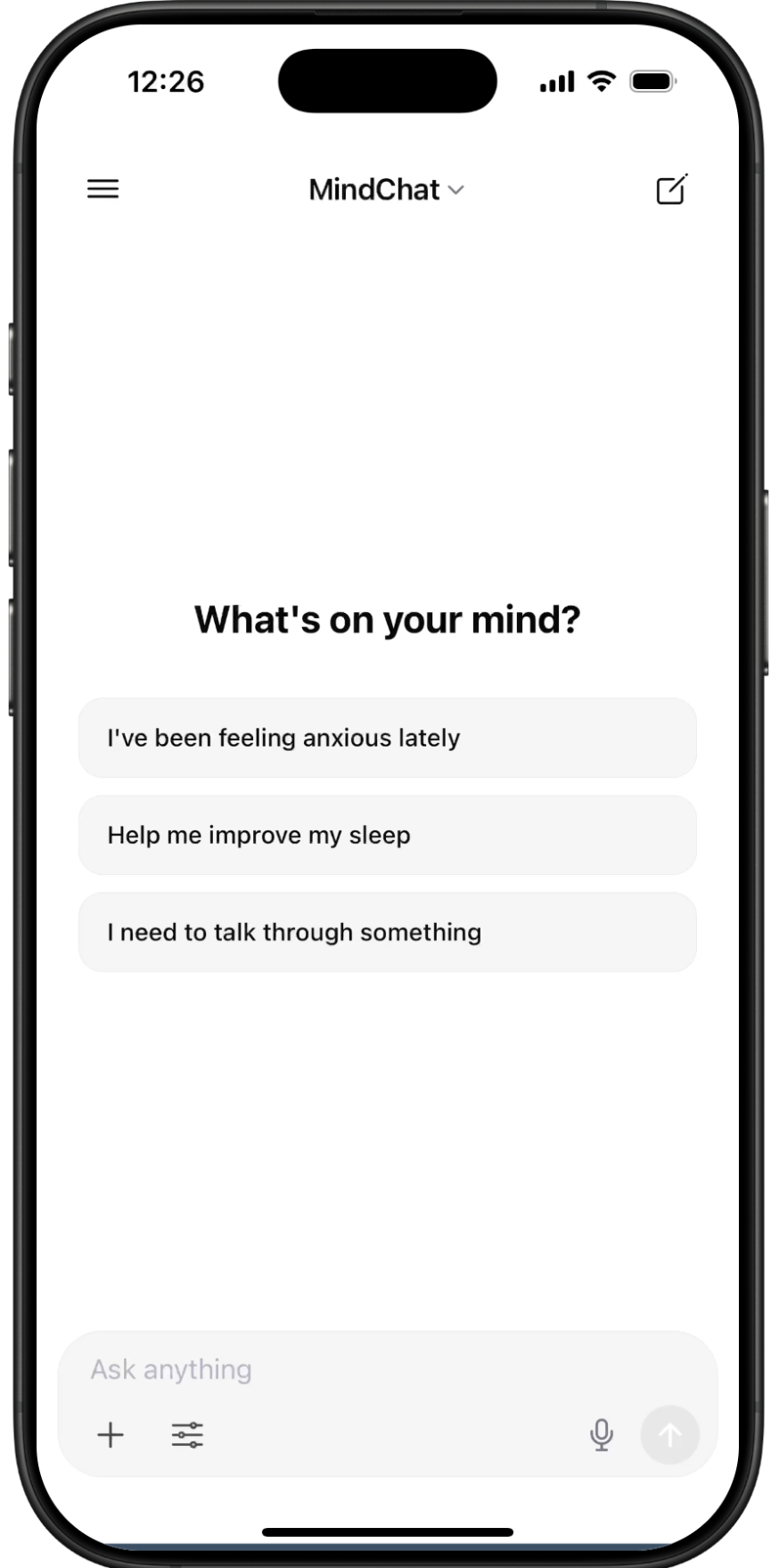
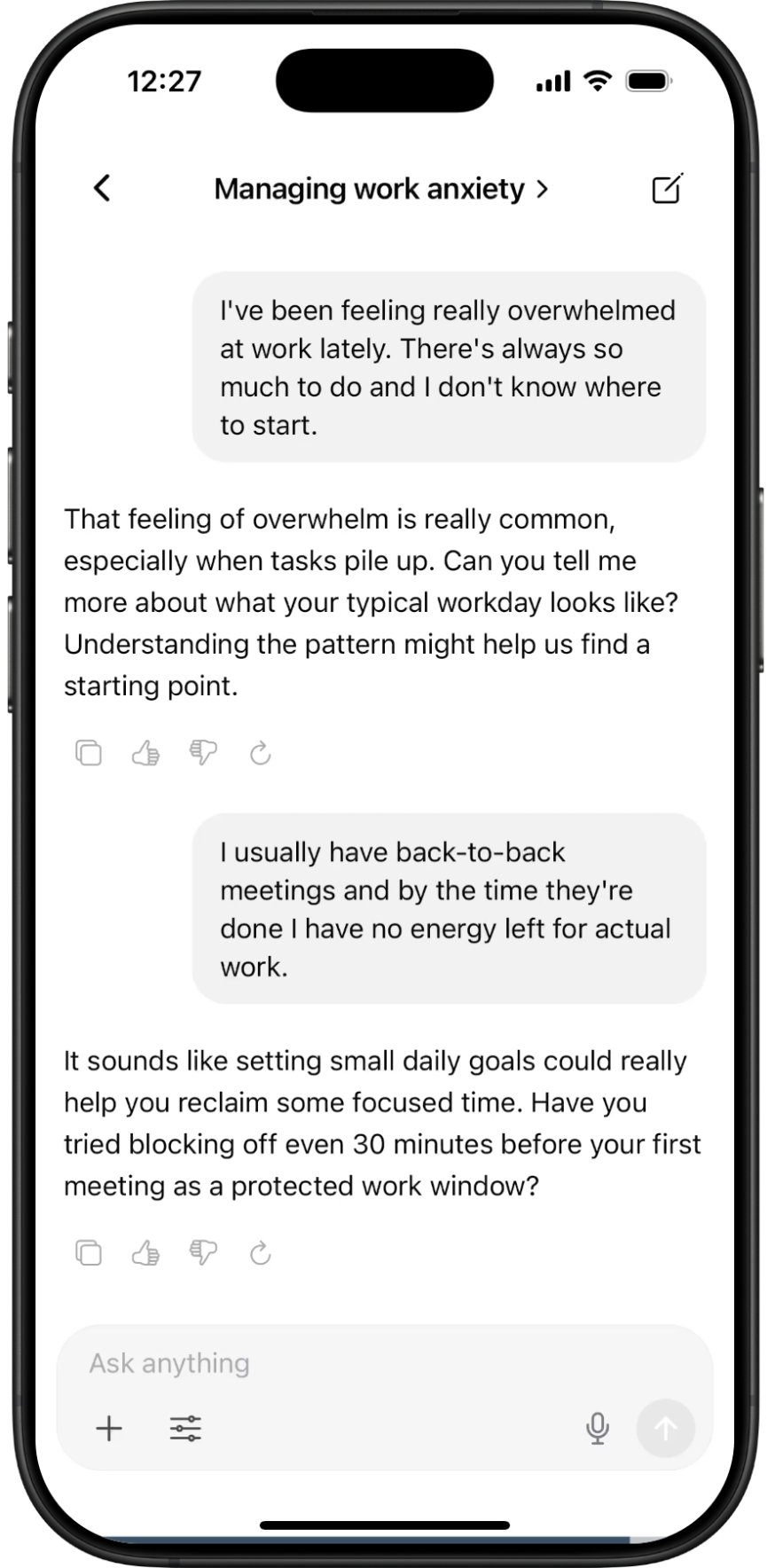
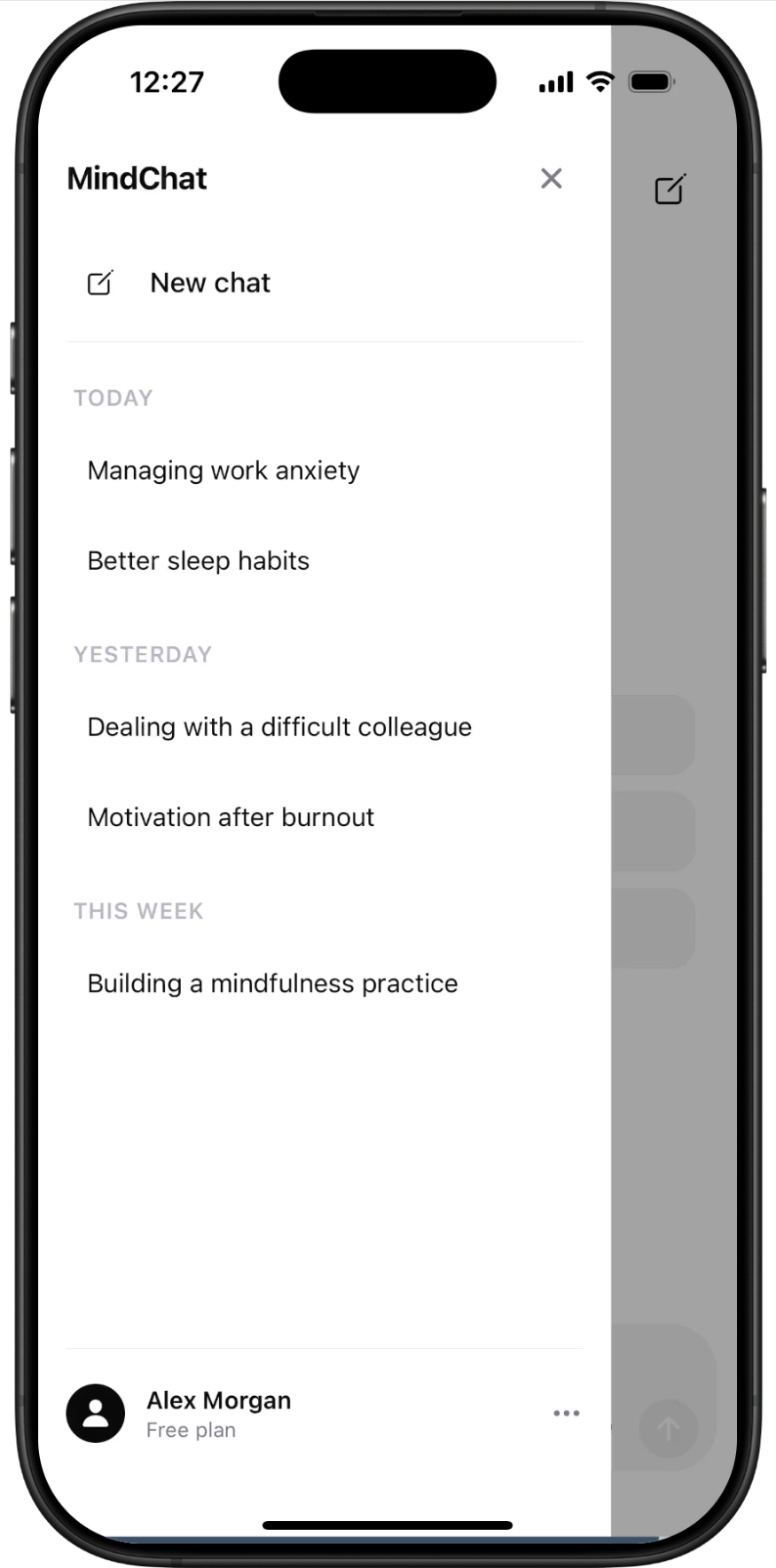
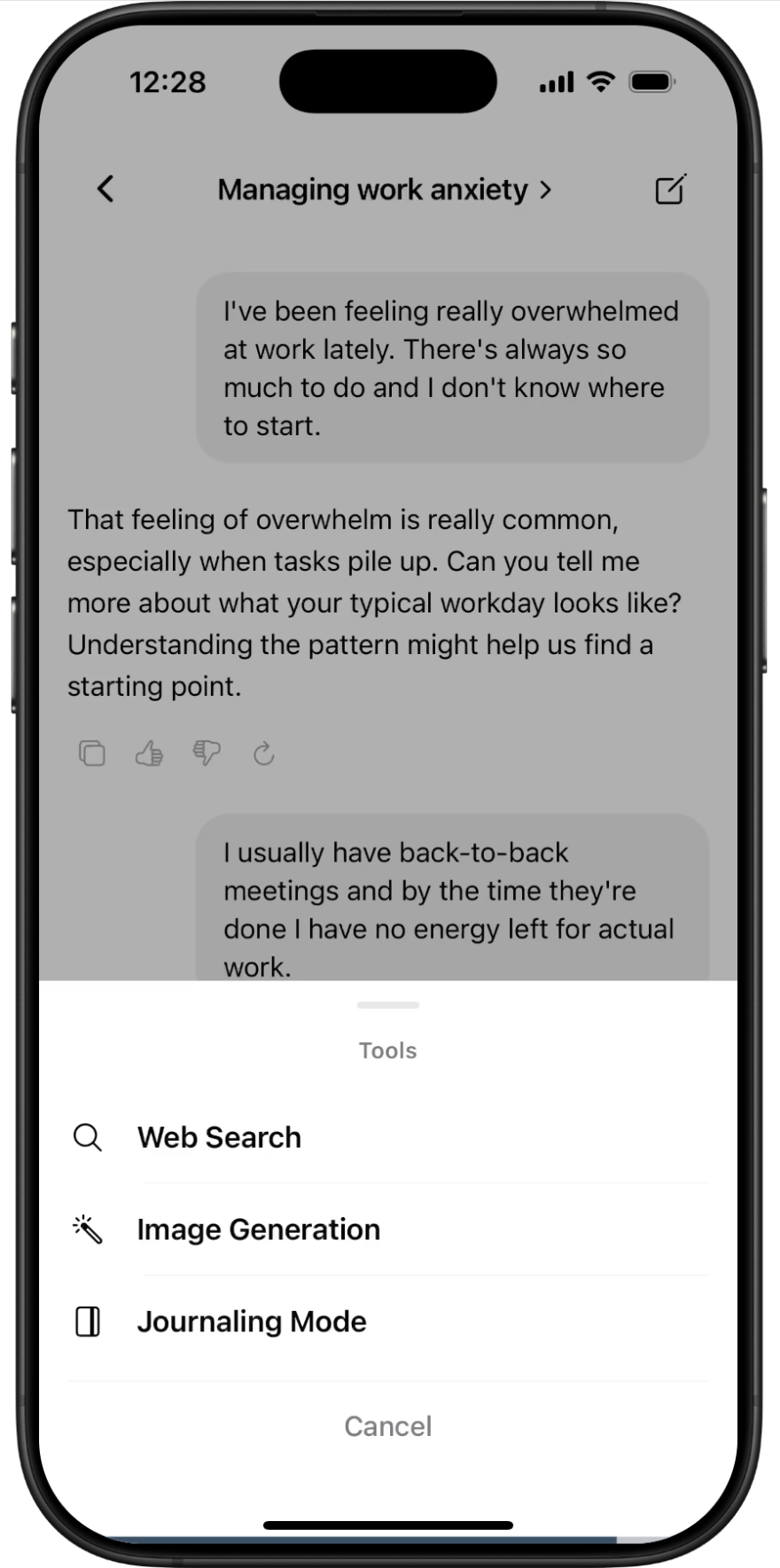
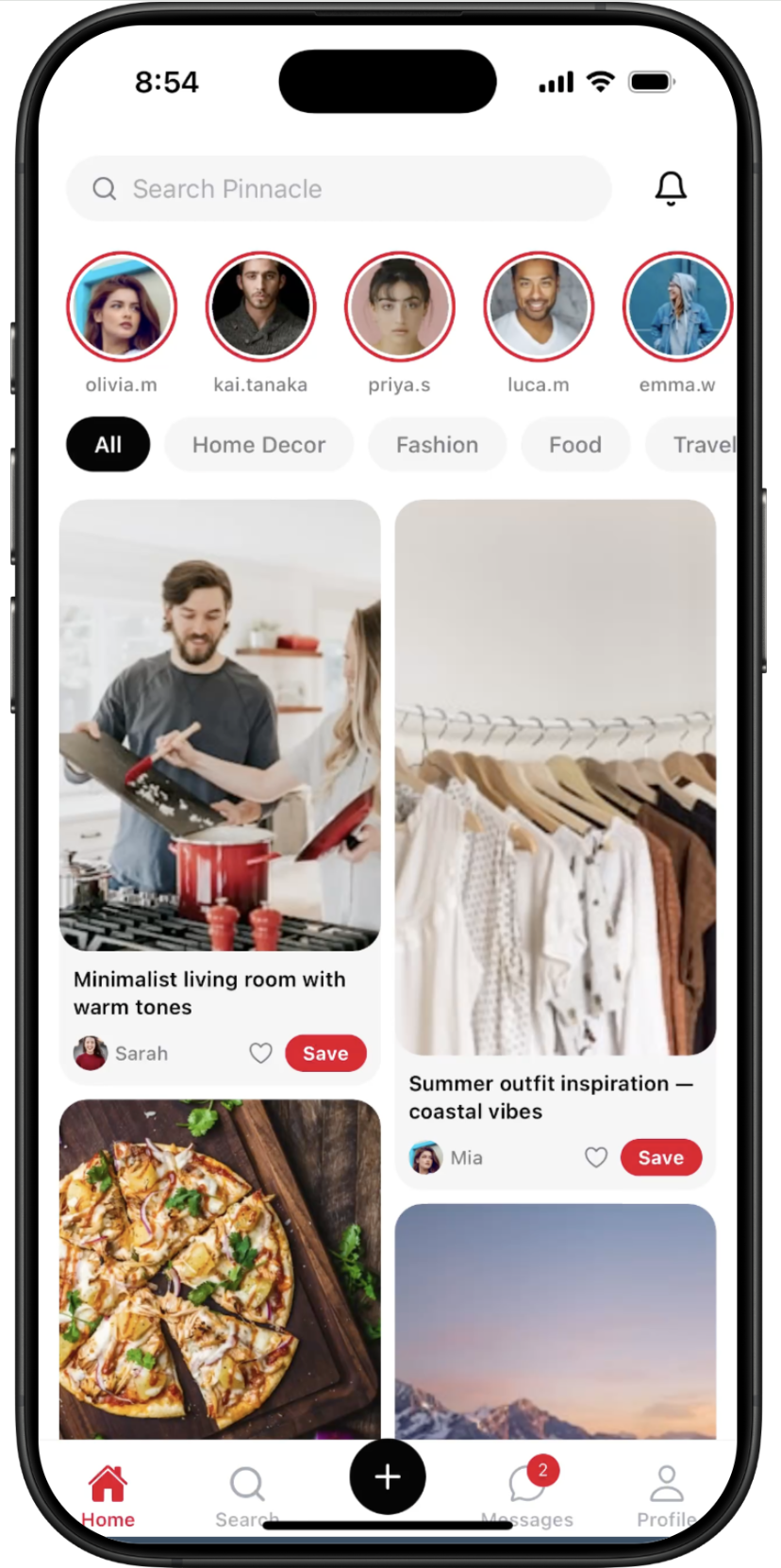
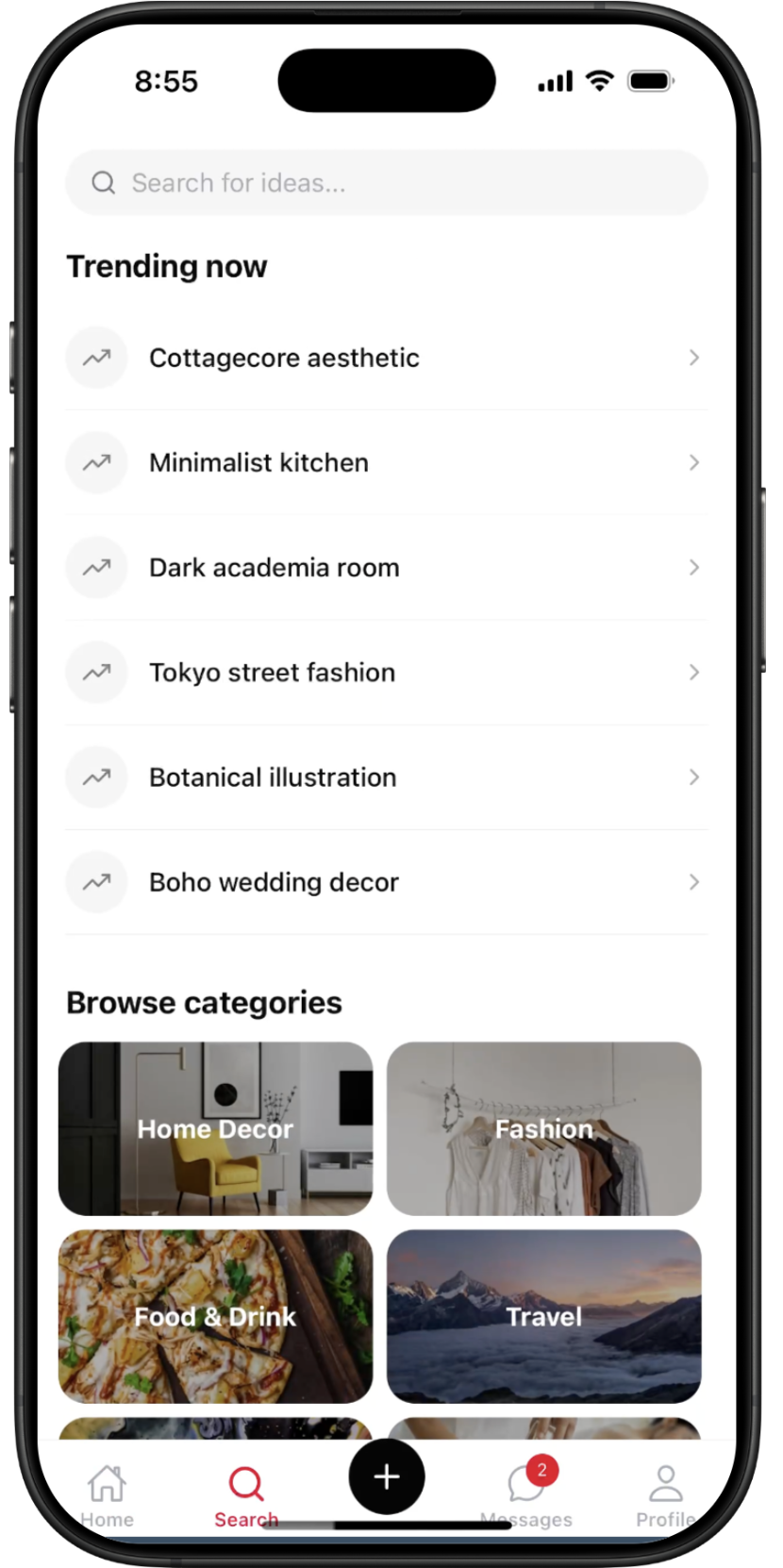
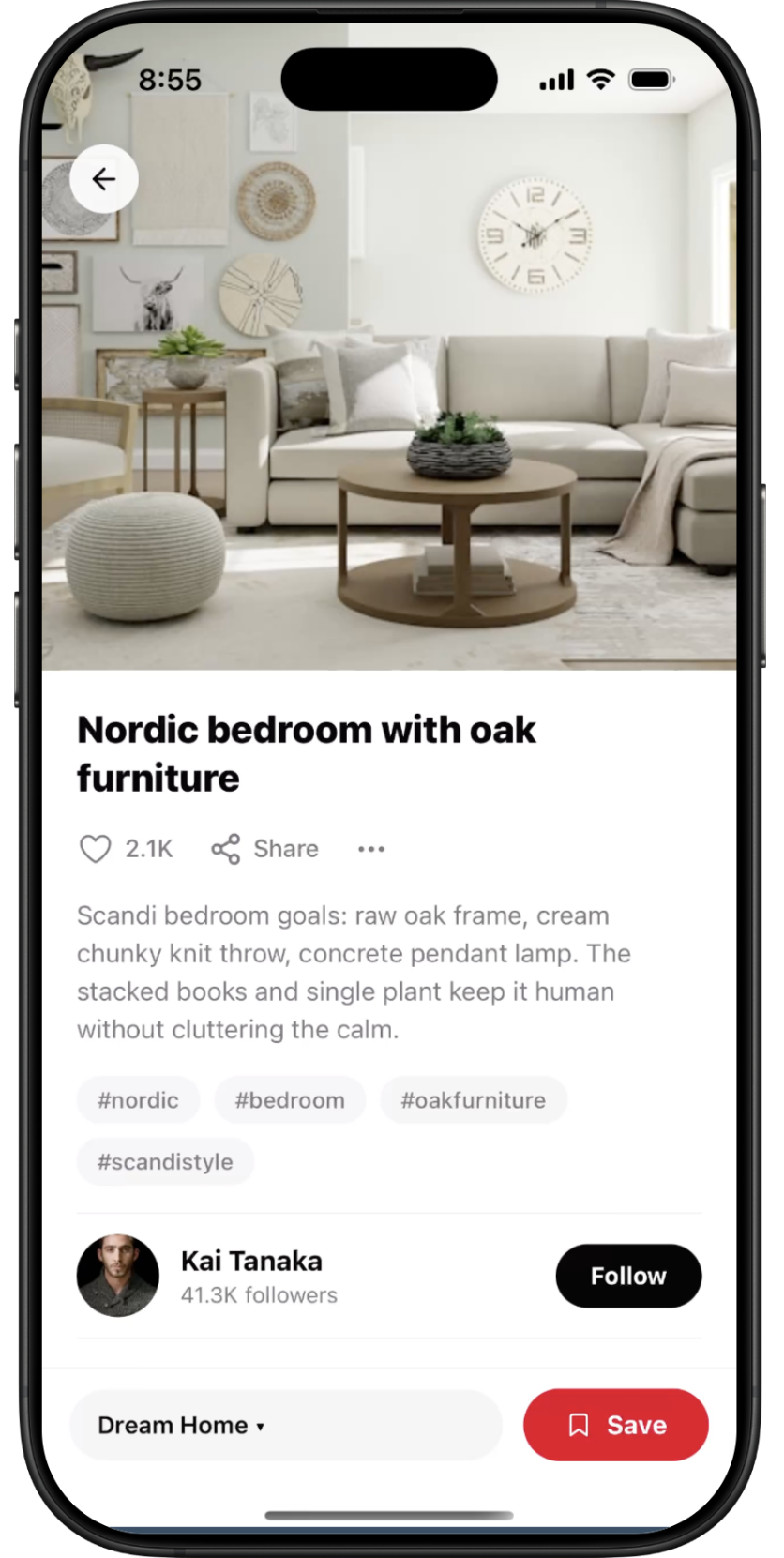
Pinnacle — screen 1Pinnacle — screen 2Pinnacle — screen 3Pinnacle — screen 4Pinnacle — screen 5Pinnacle — screen 6Pinnacle — screen 7
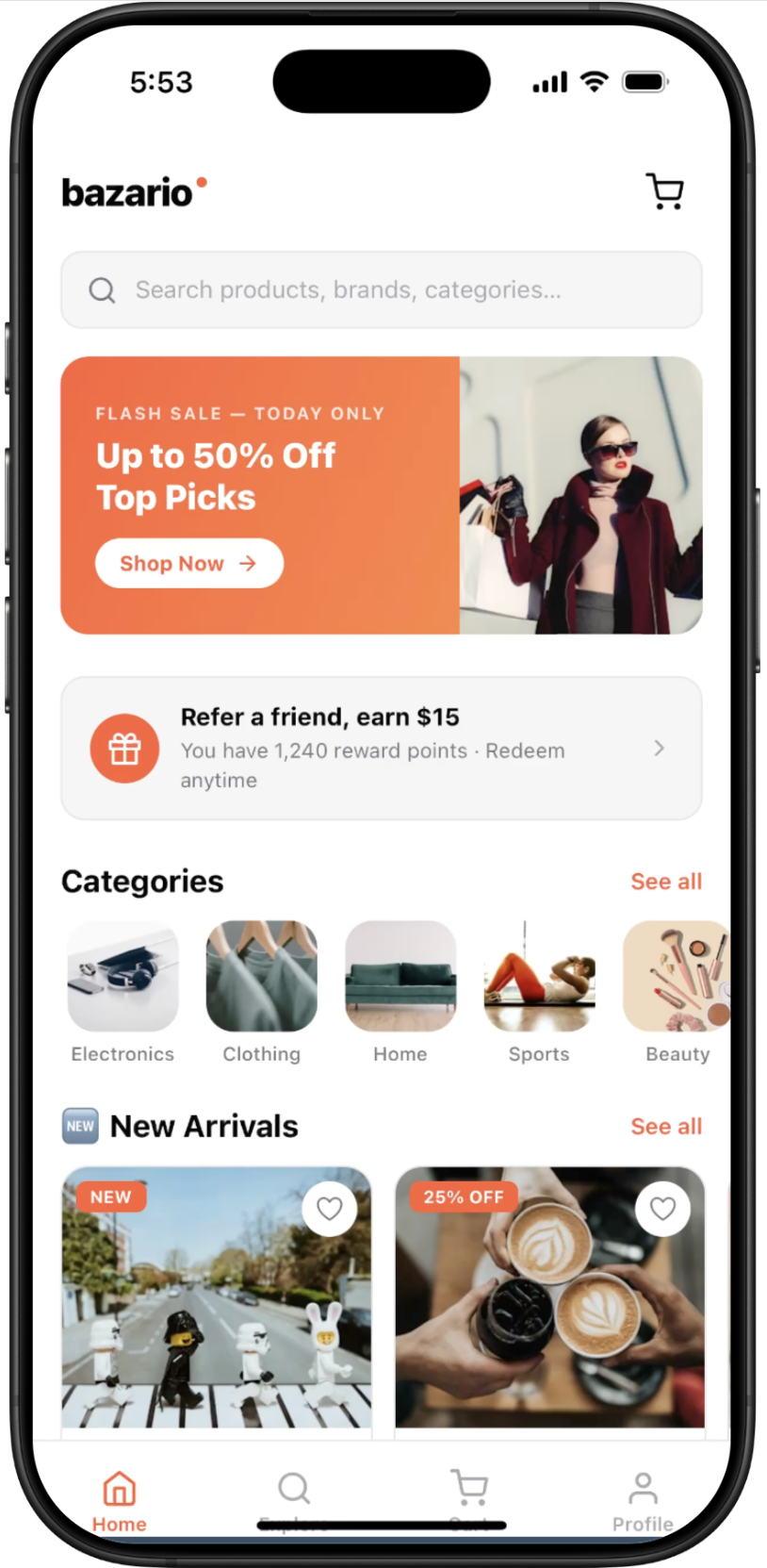
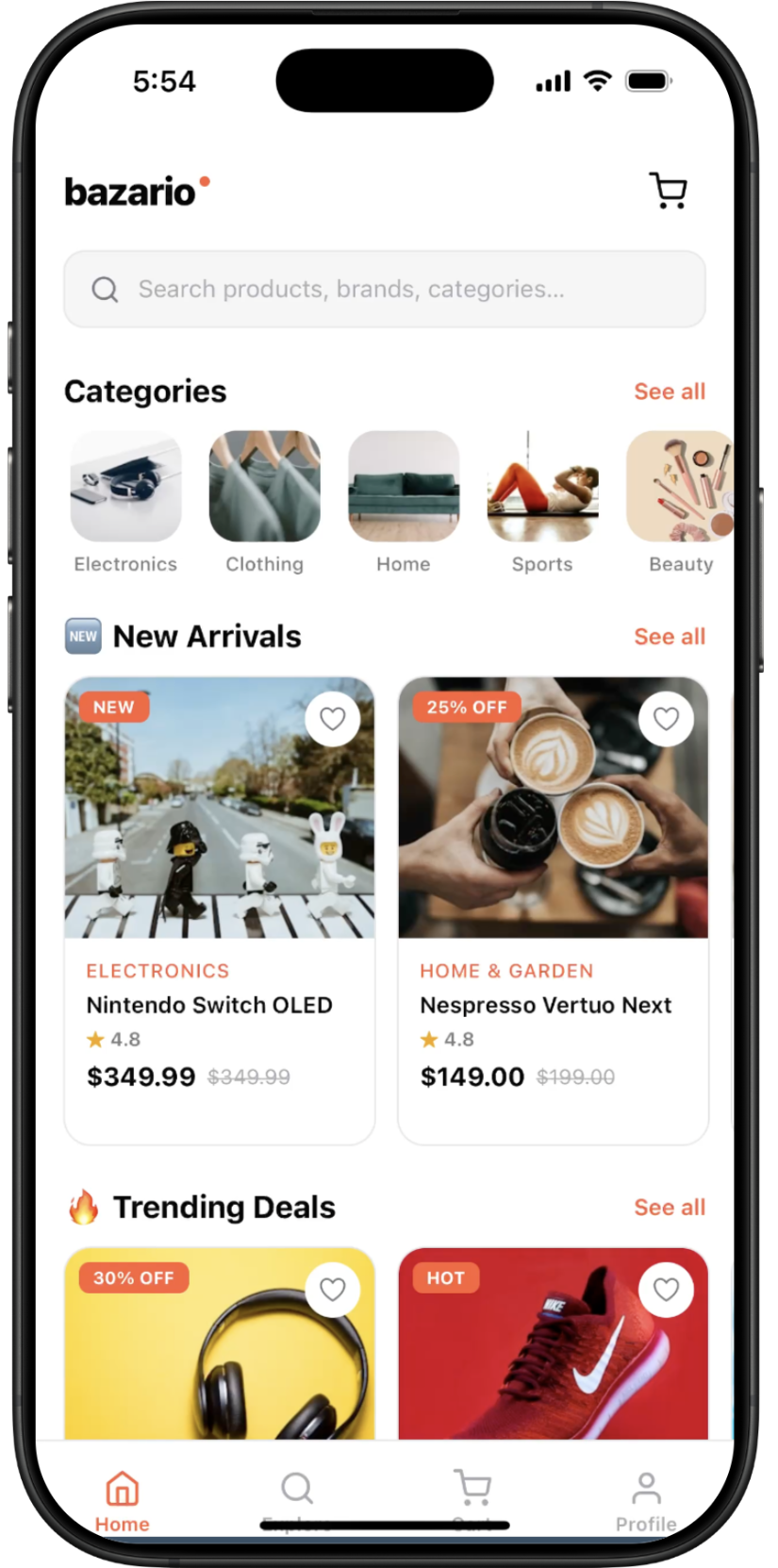
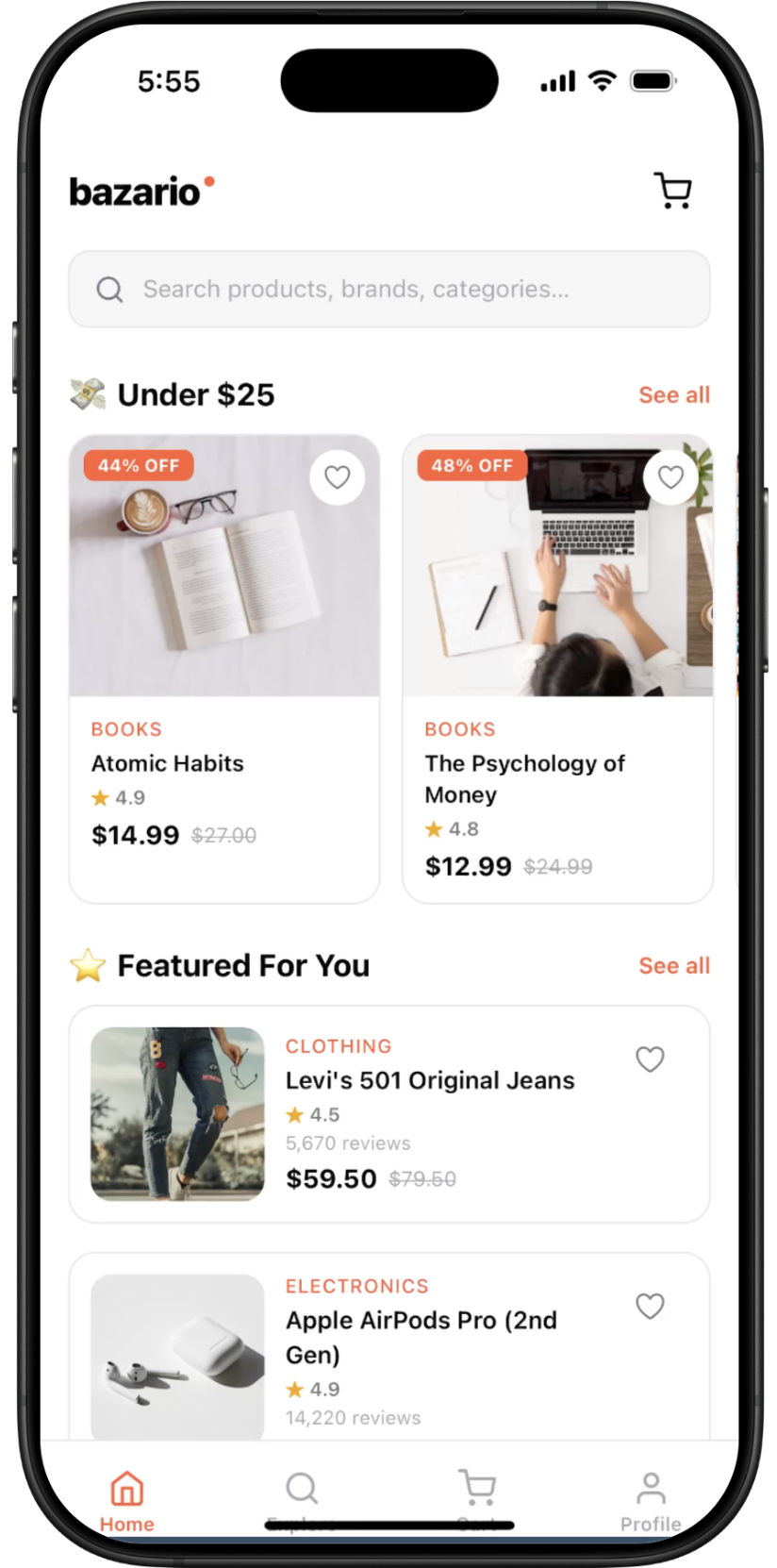
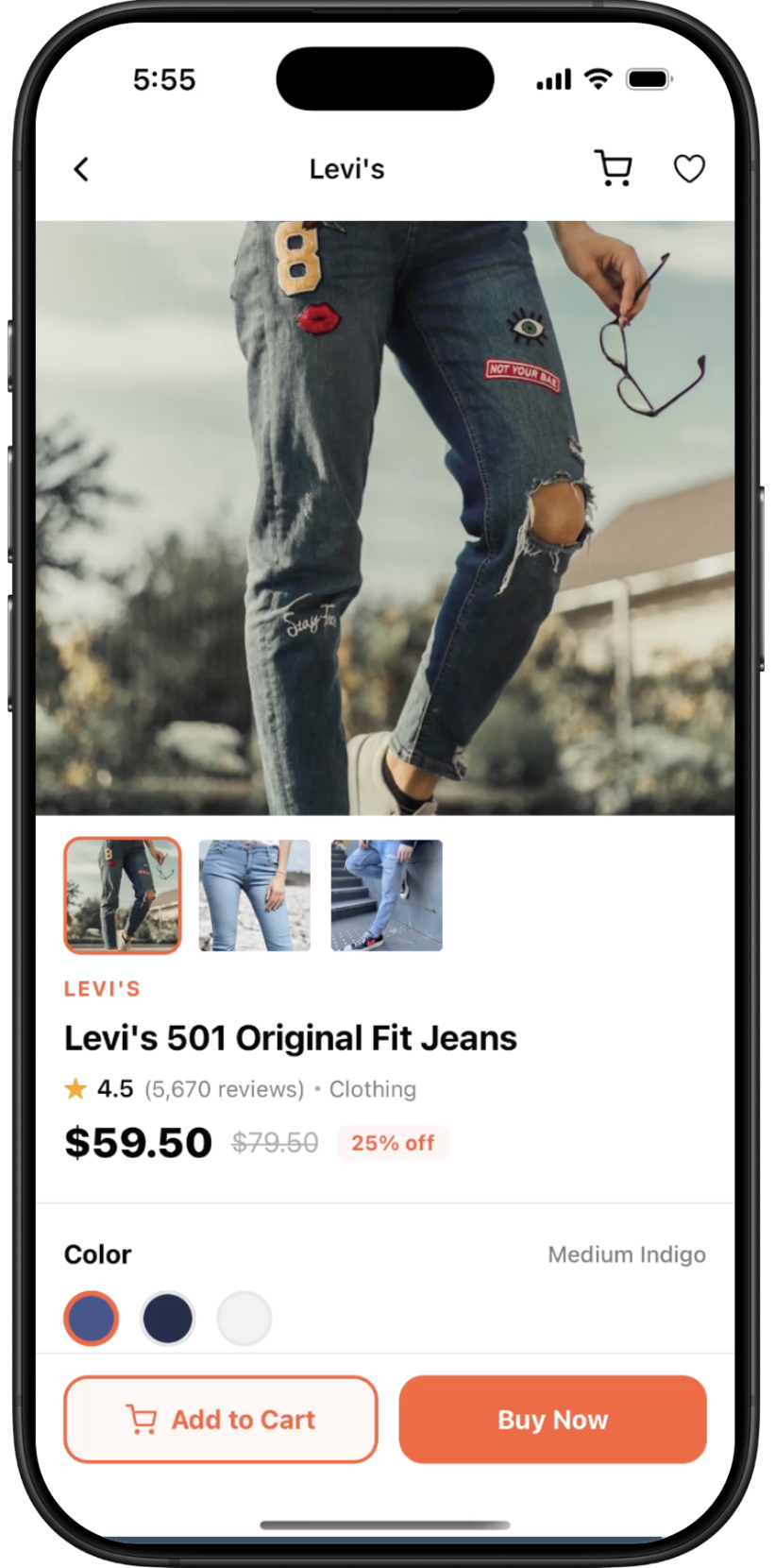
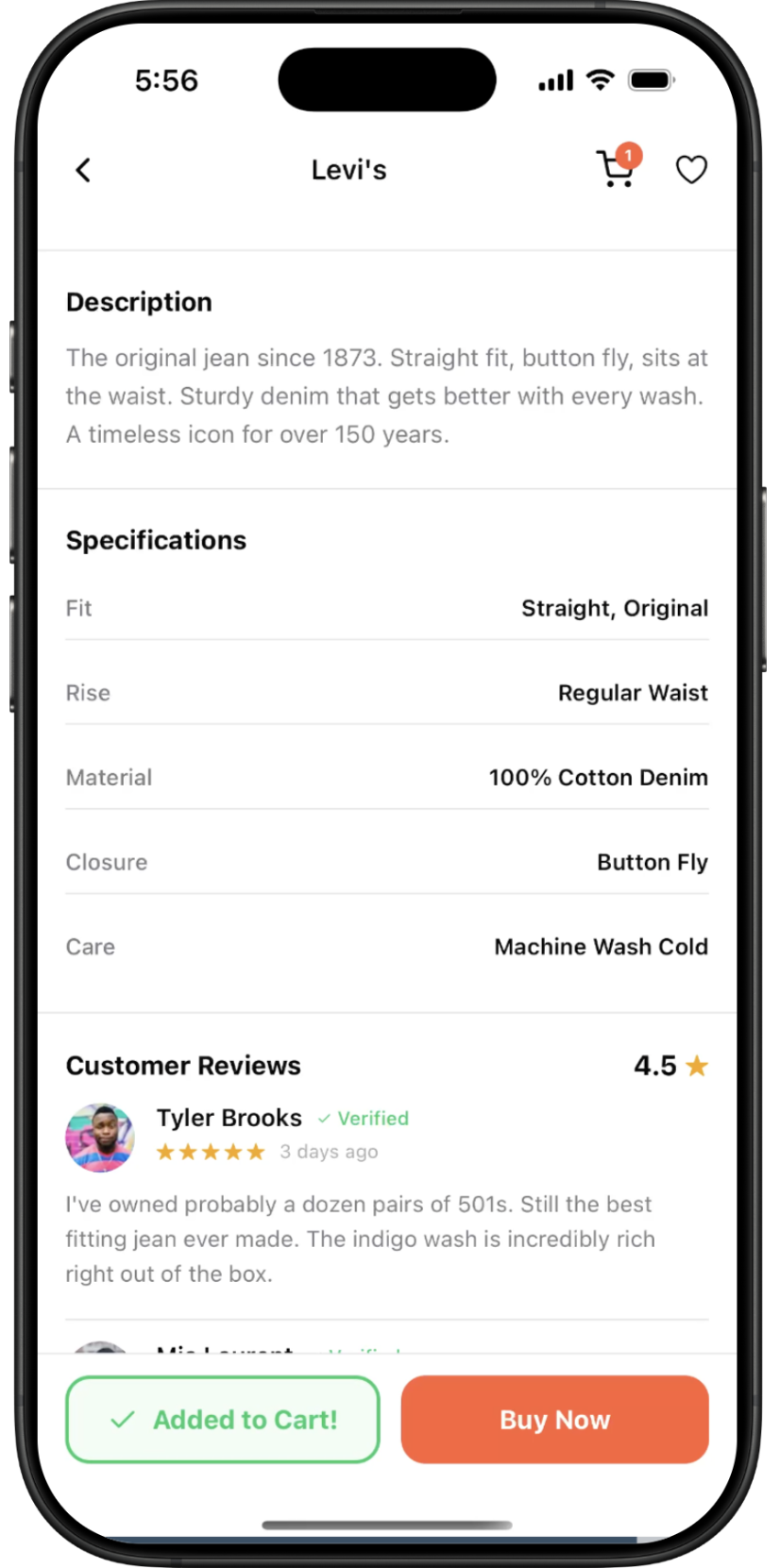
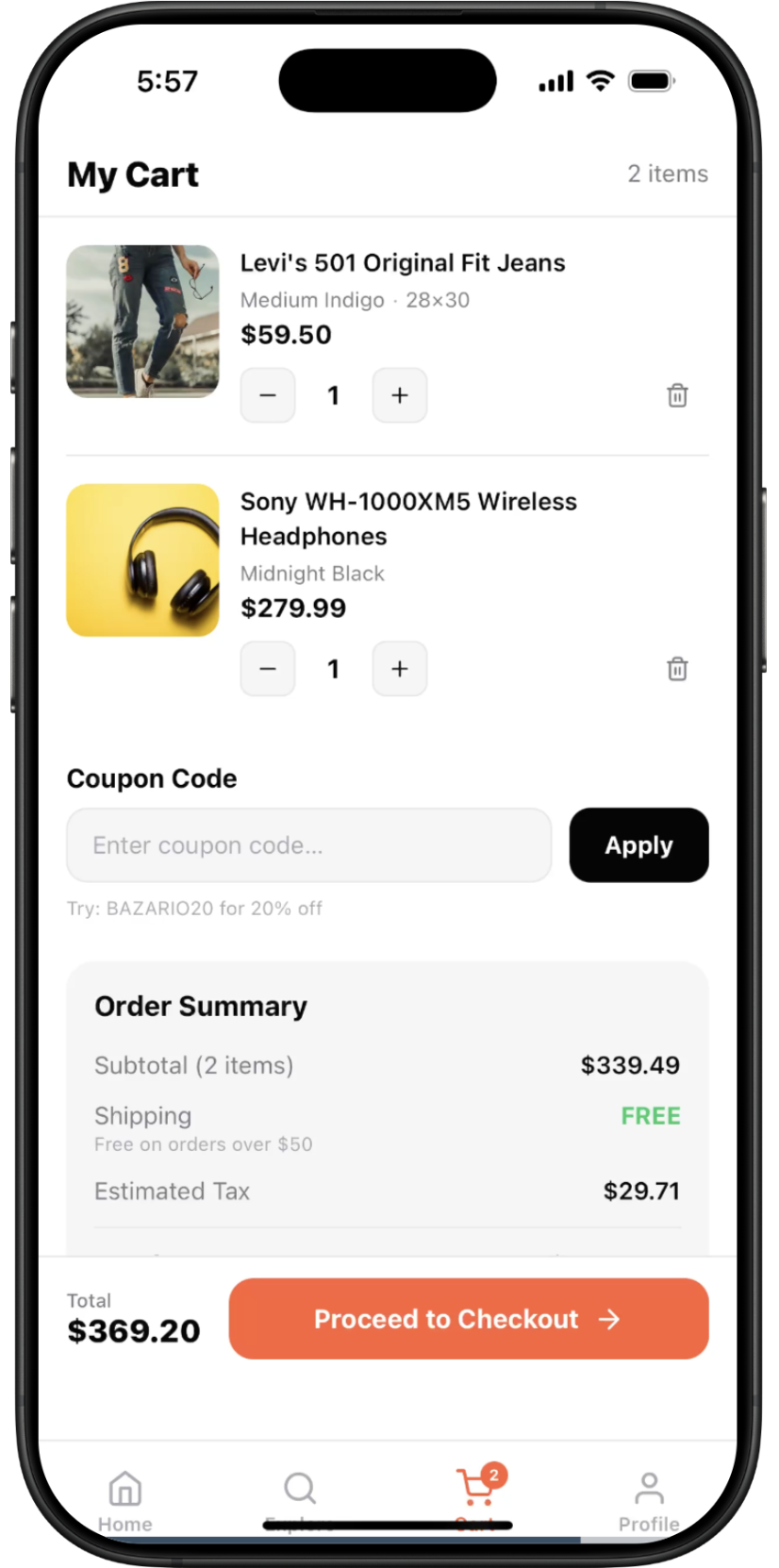
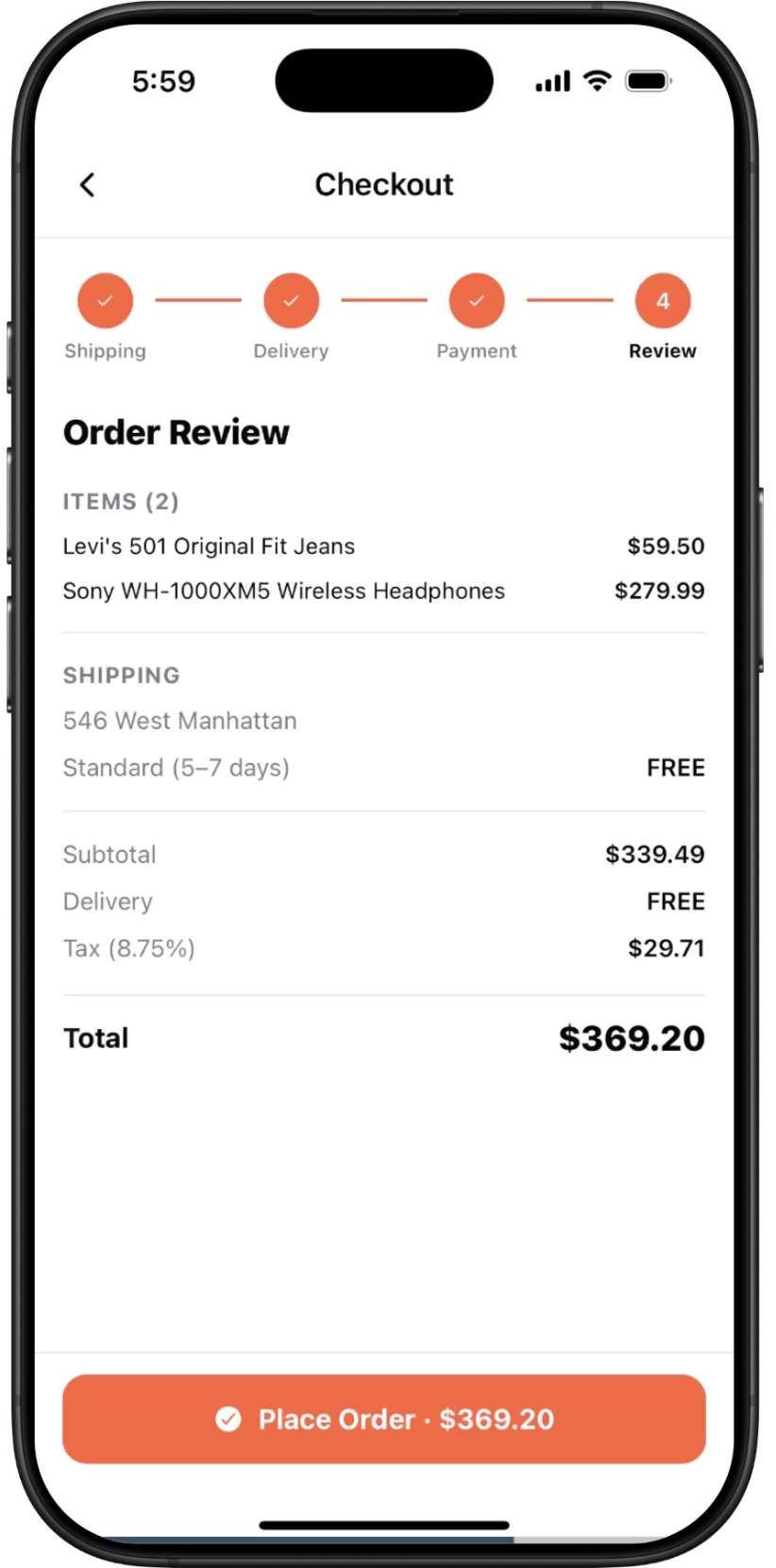
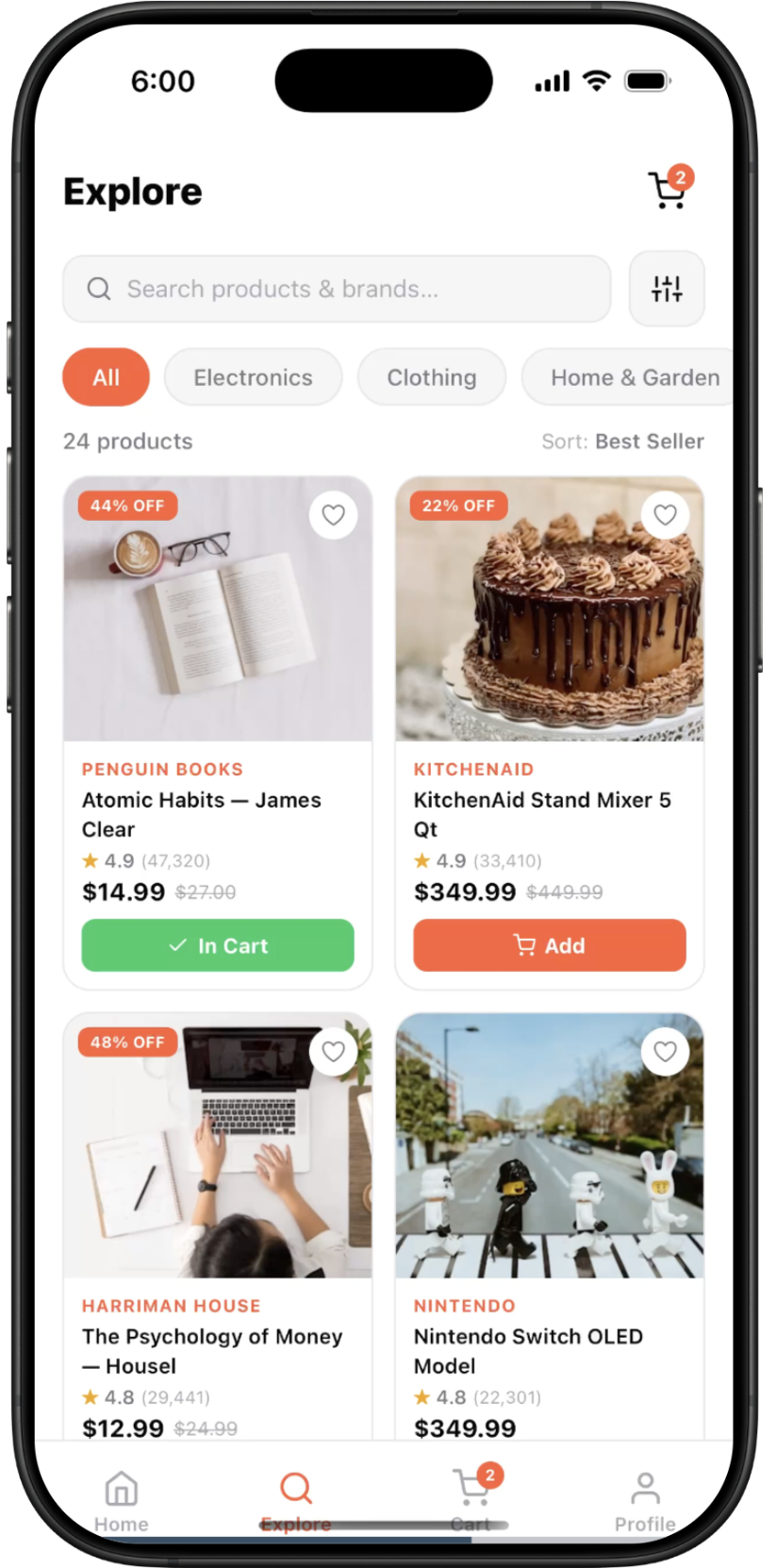
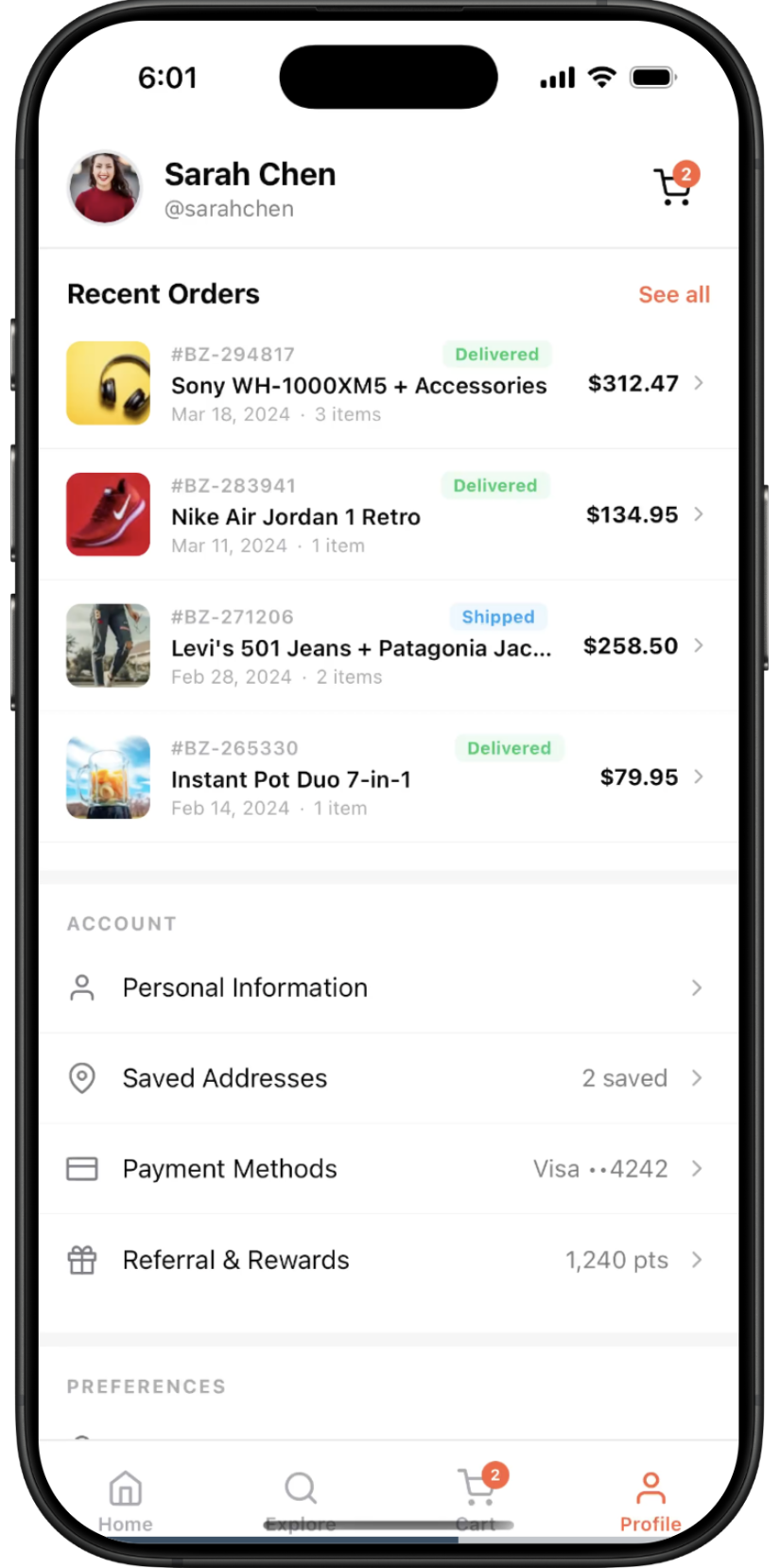
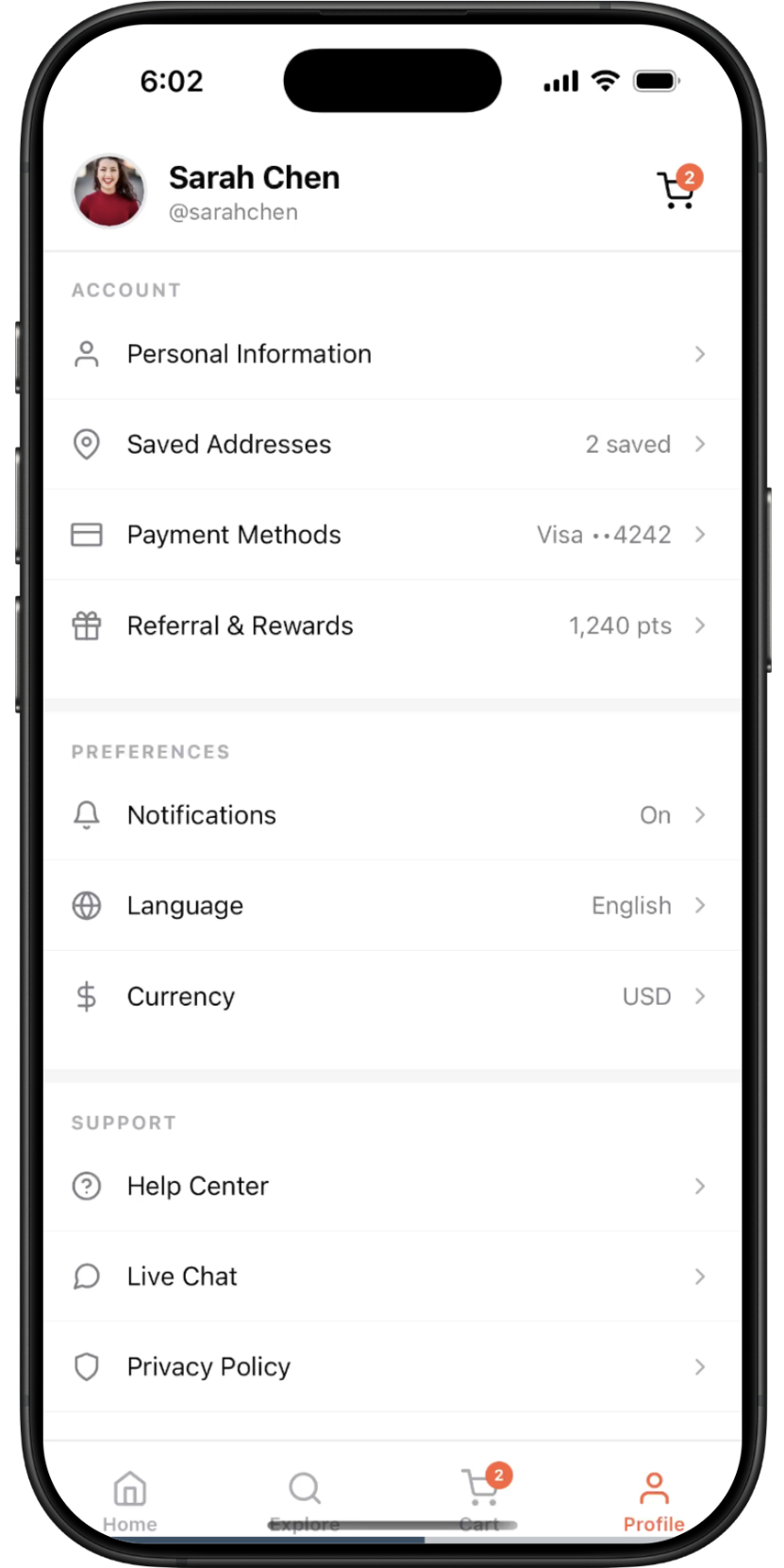
Bazario — screen 1Bazario — screen 2Bazario — screen 3Bazario — screen 4Bazario — screen 5Bazario — screen 6Bazario — screen 7Bazario — screen 8Bazario — screen 9Bazario — screen 10
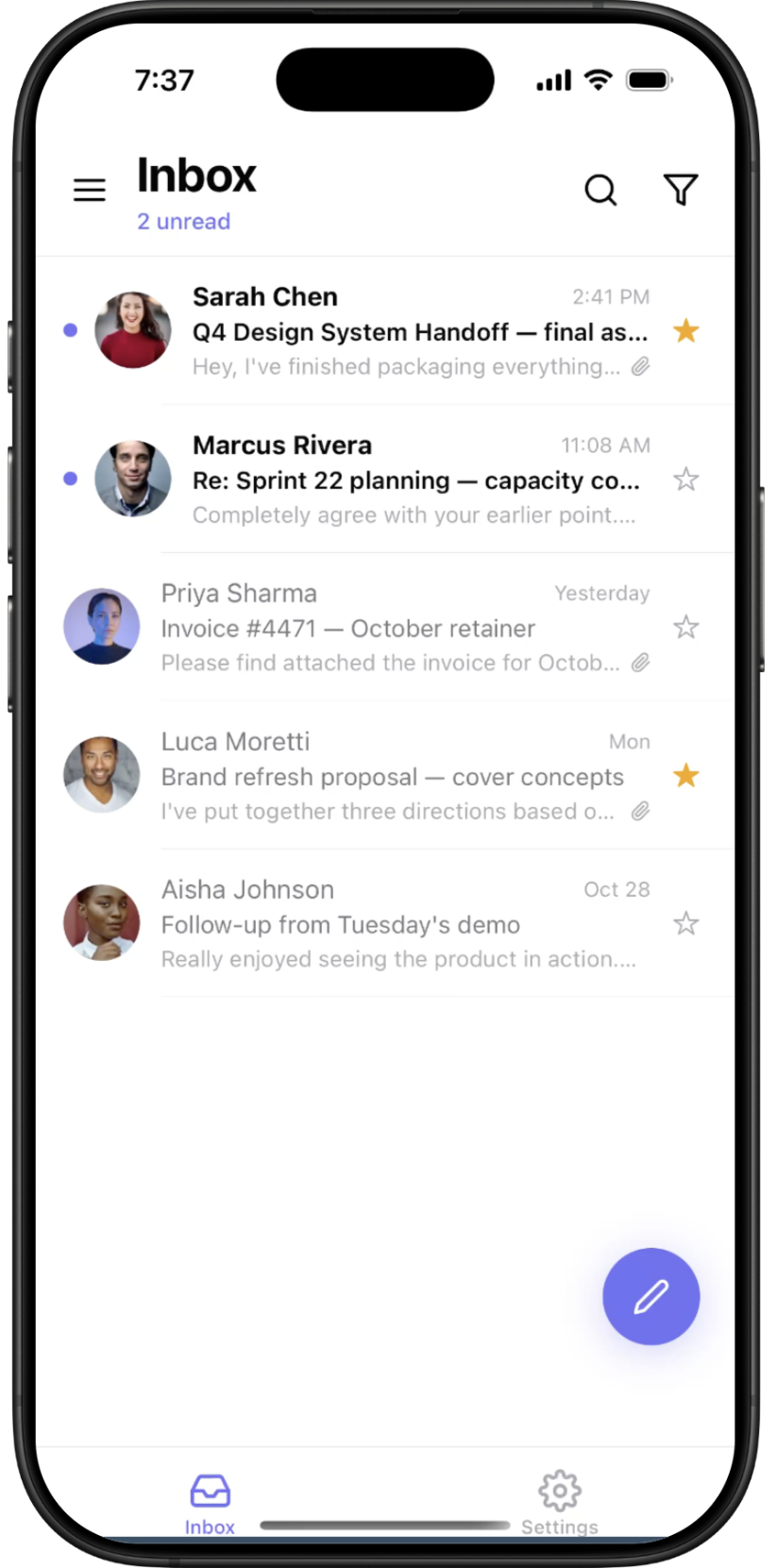
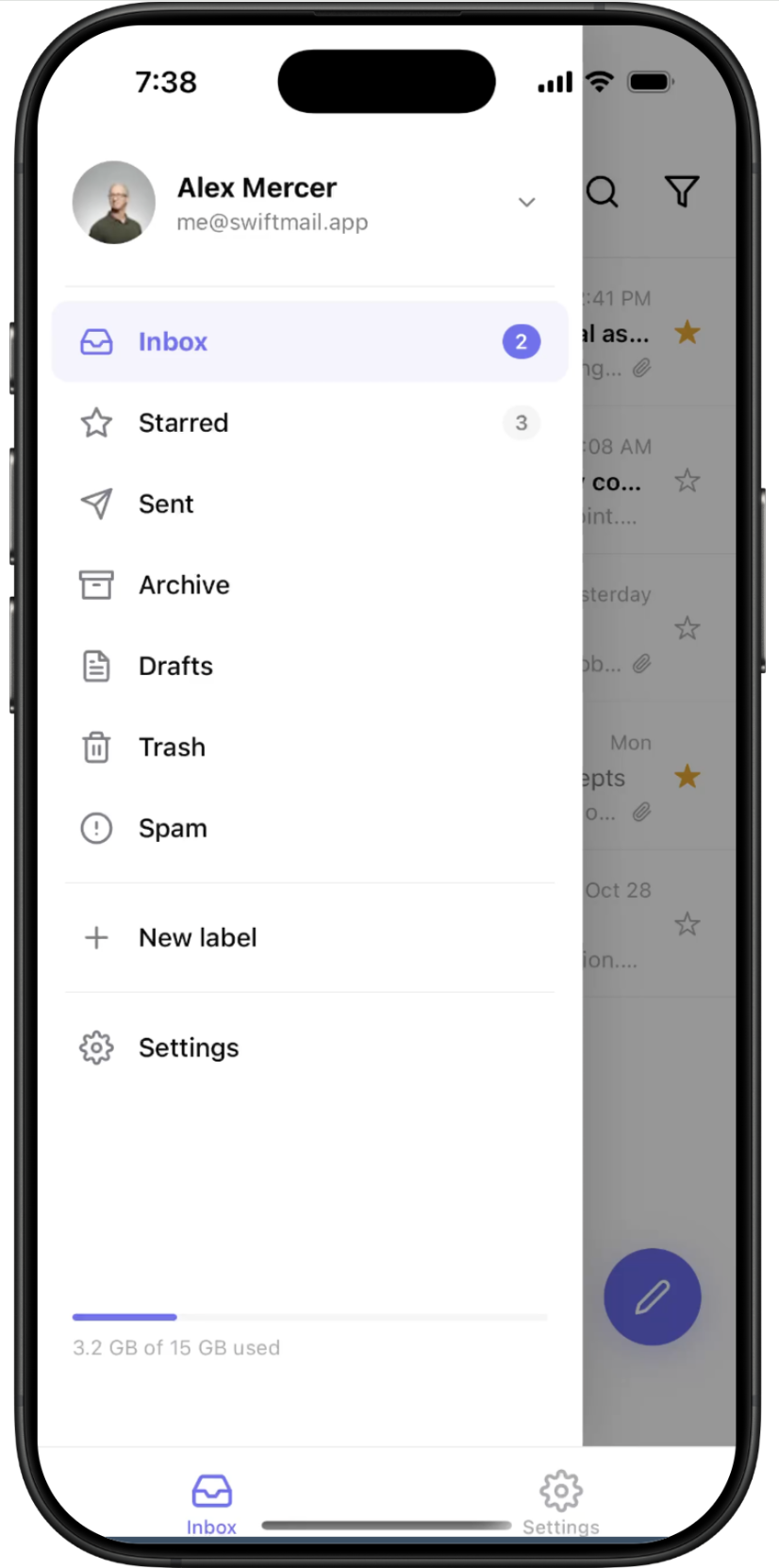
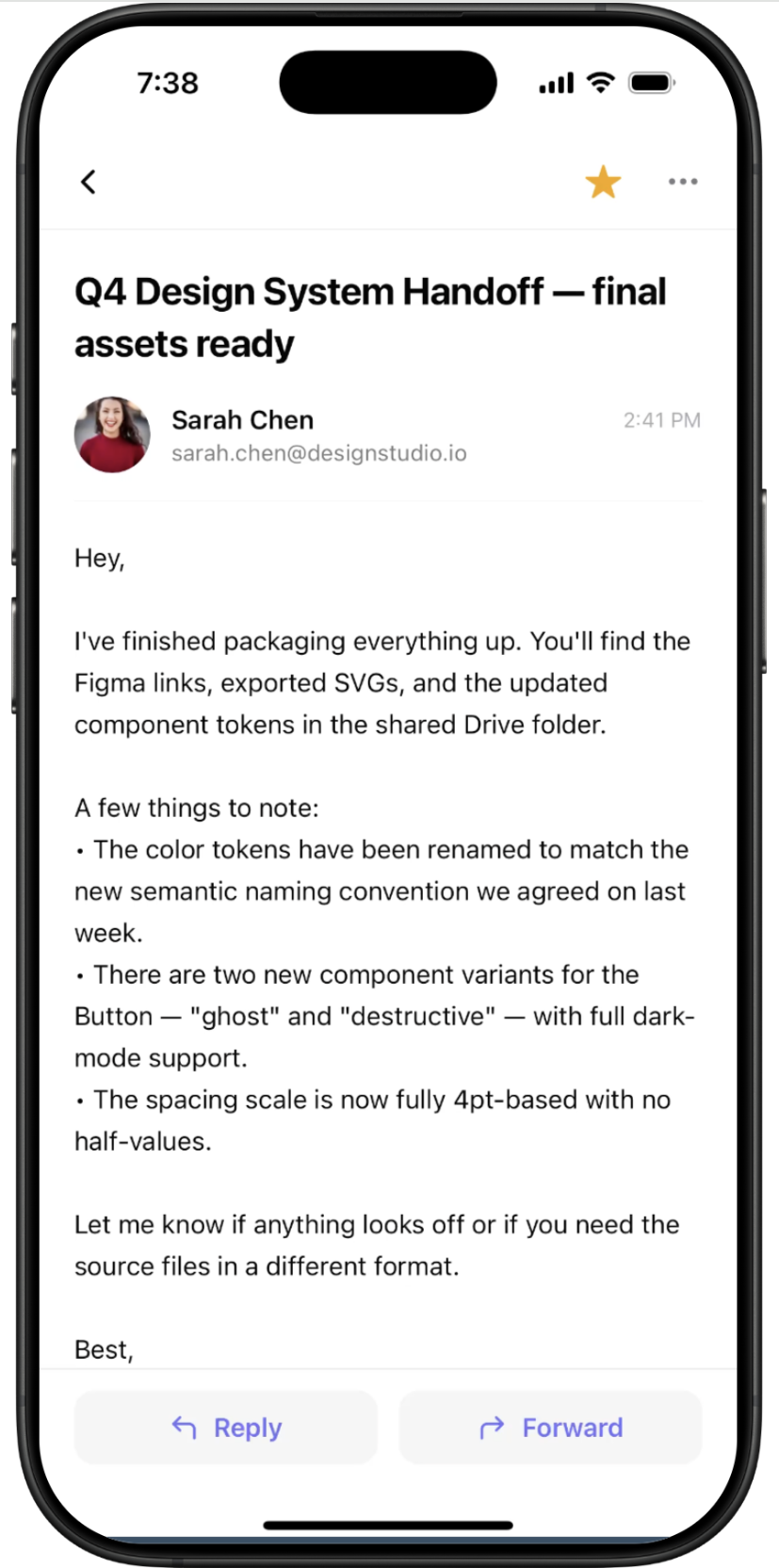
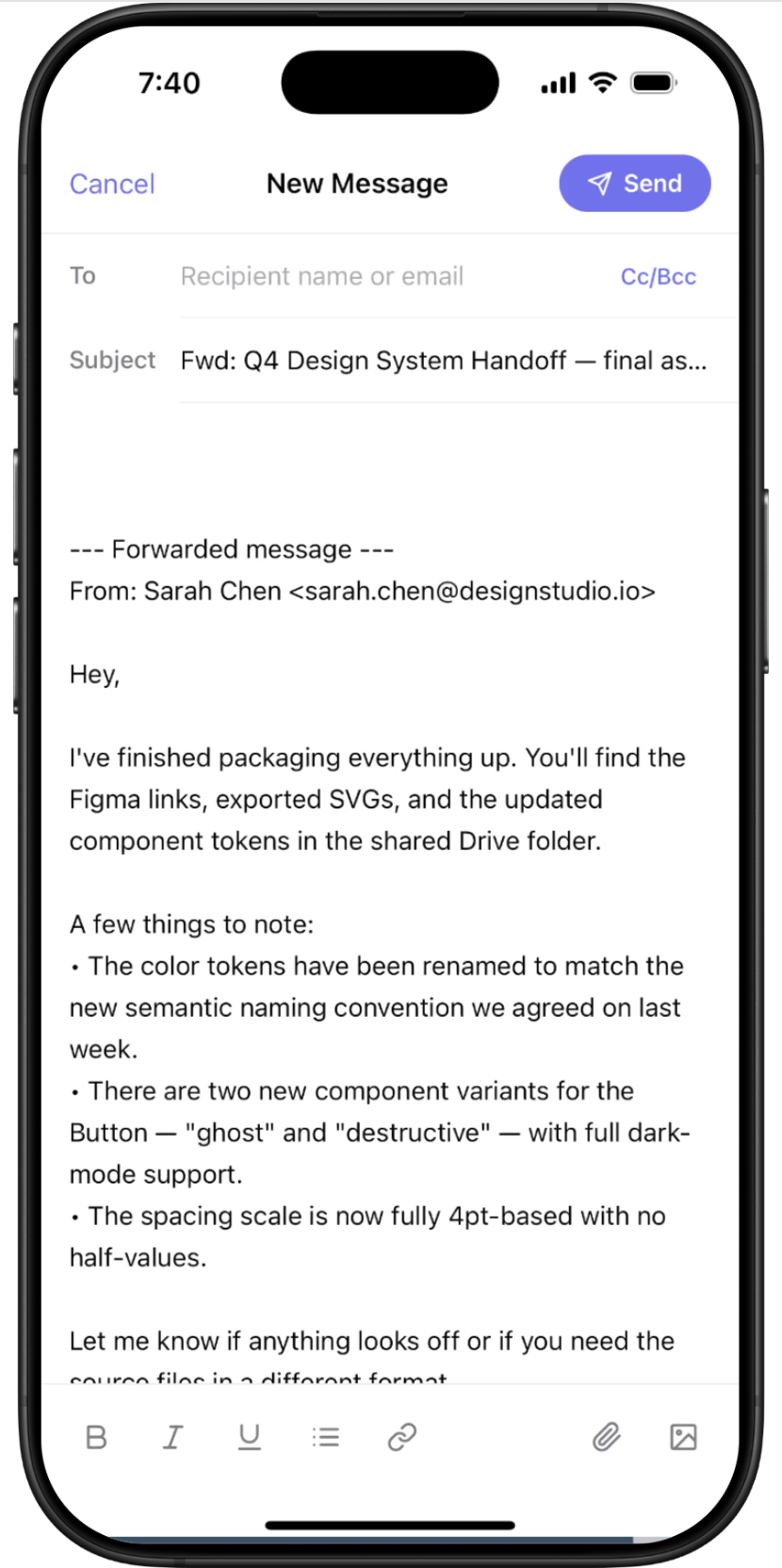
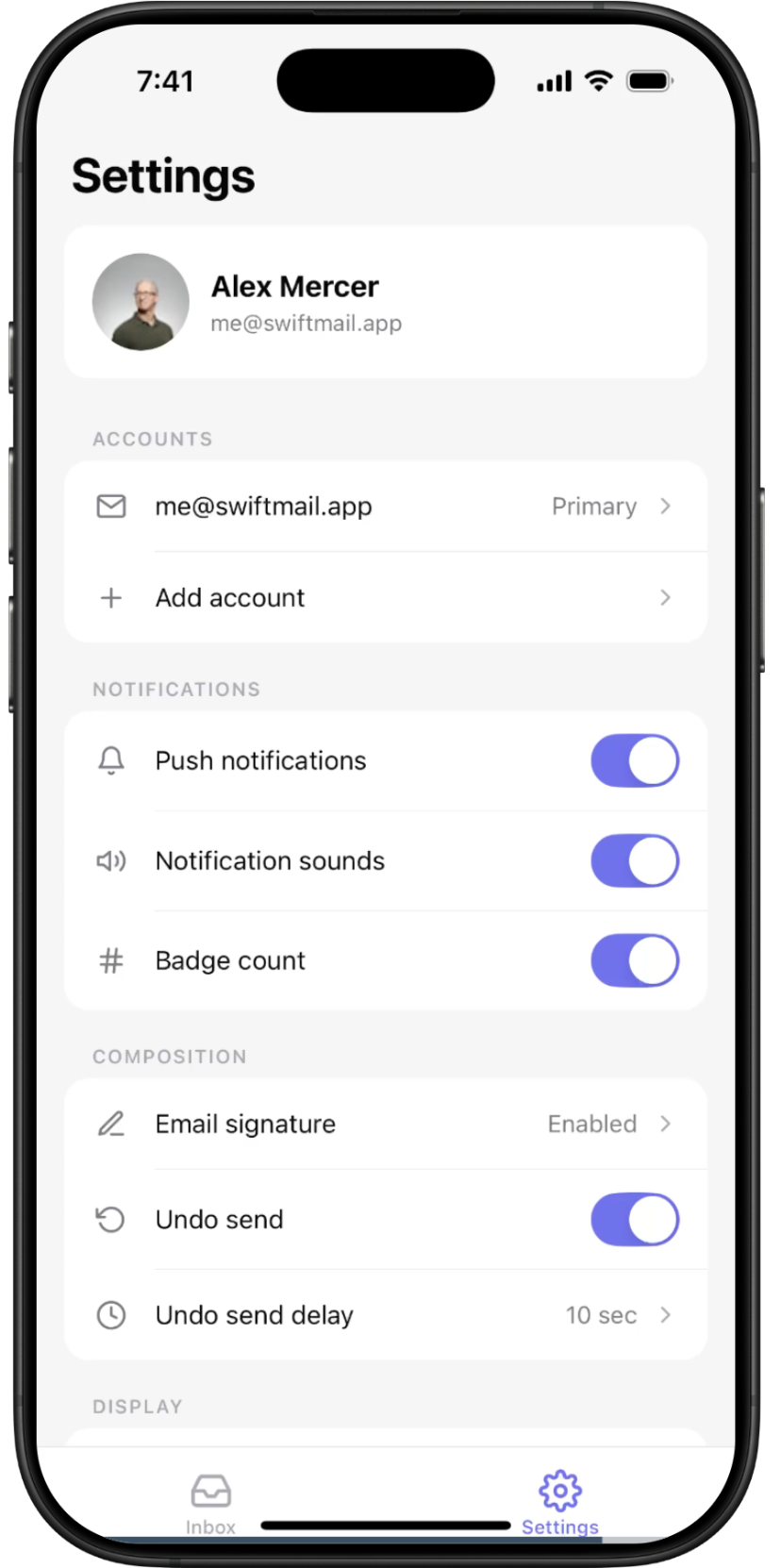
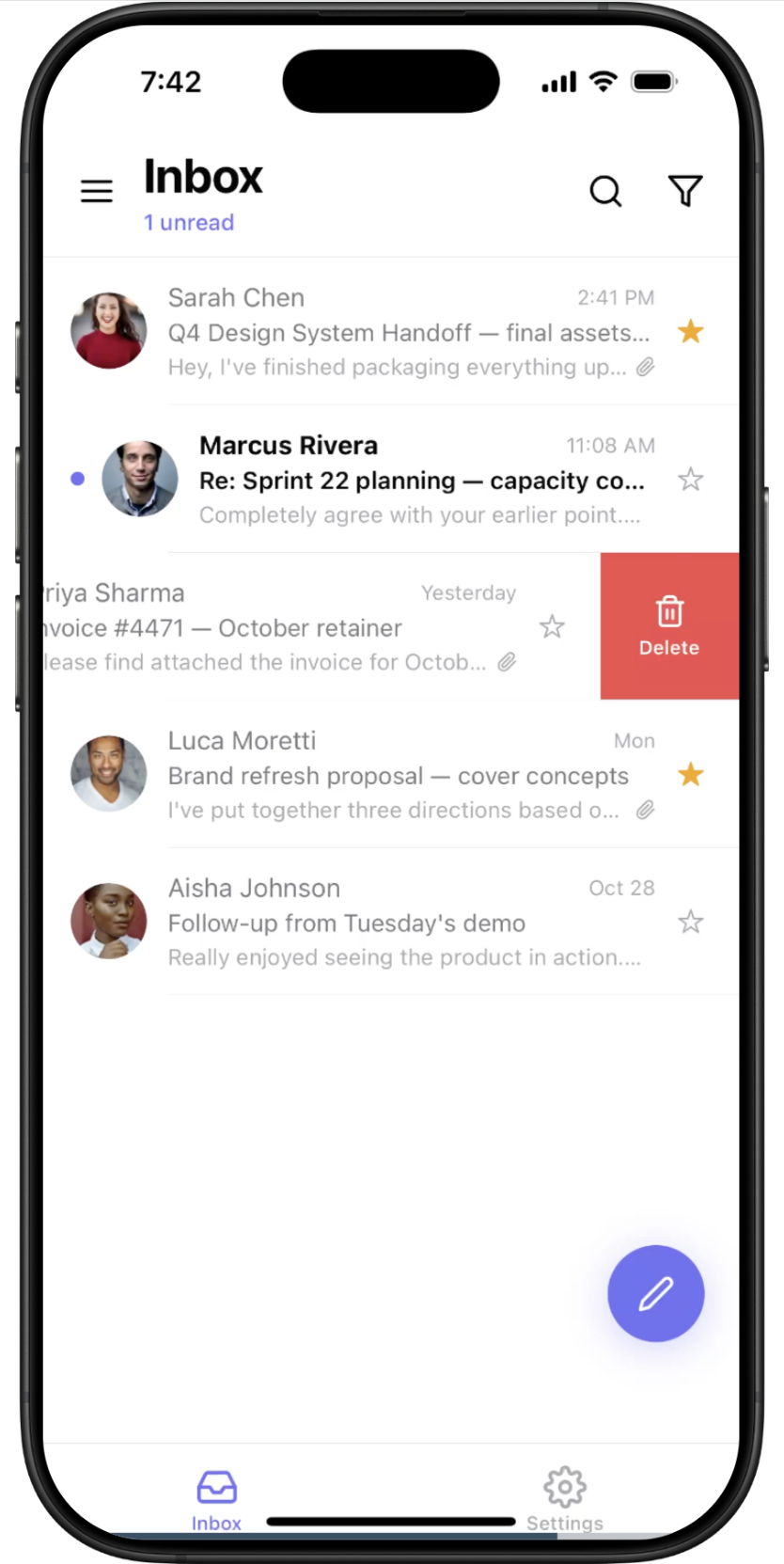
SwiftMail — screen 1SwiftMail — screen 2SwiftMail — screen 3SwiftMail — screen 4SwiftMail — screen 5SwiftMail — screen 6
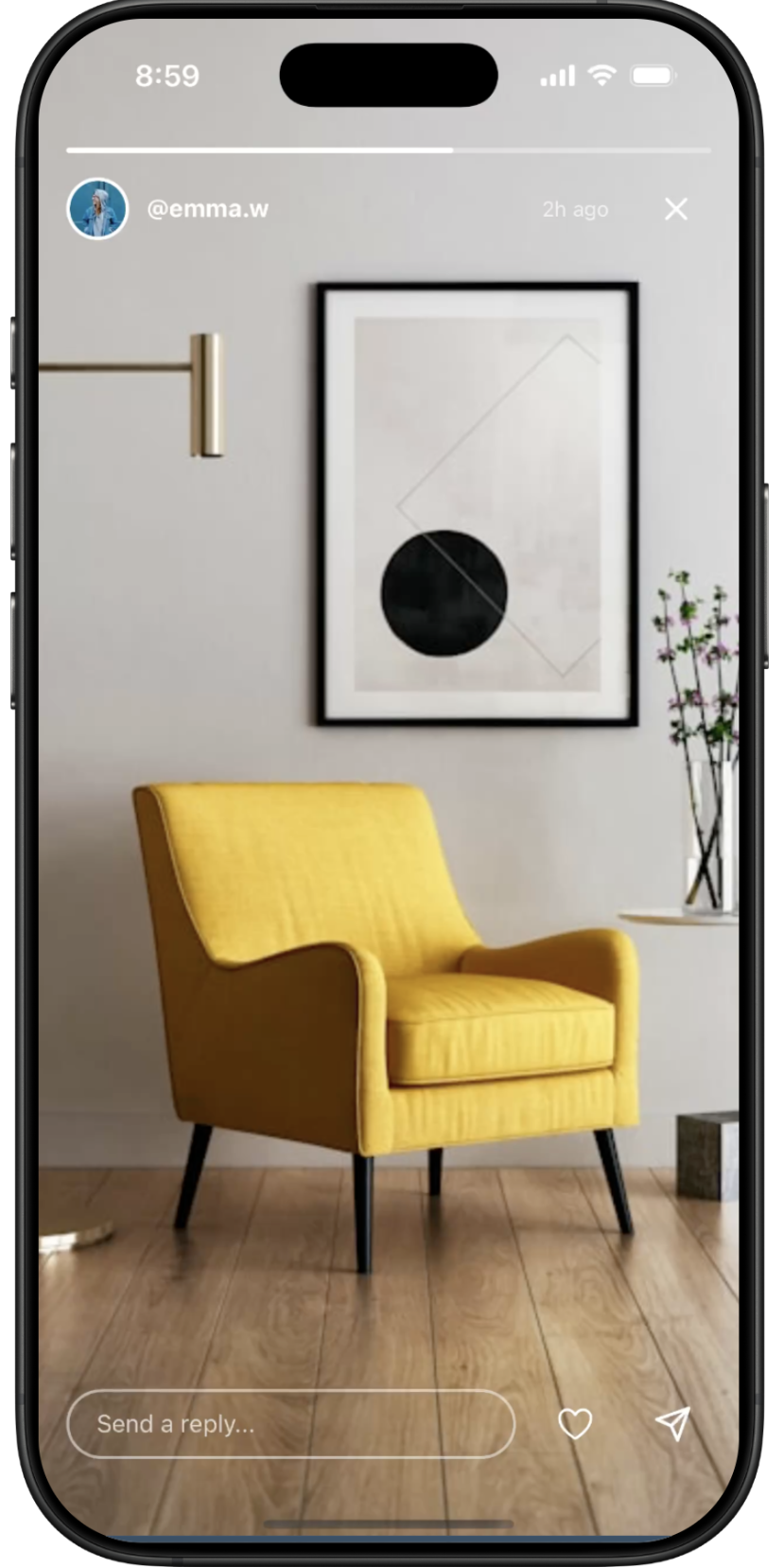
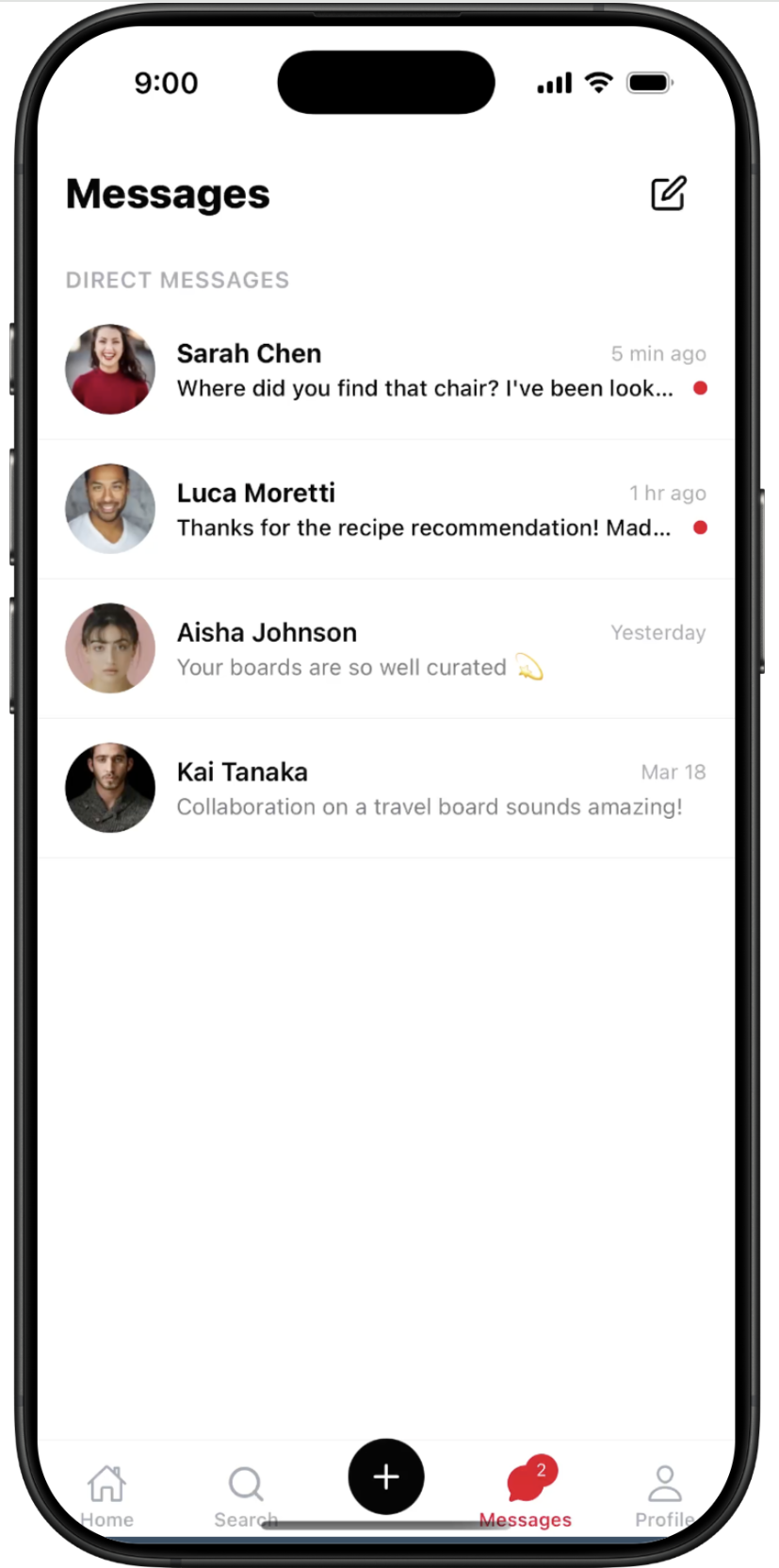
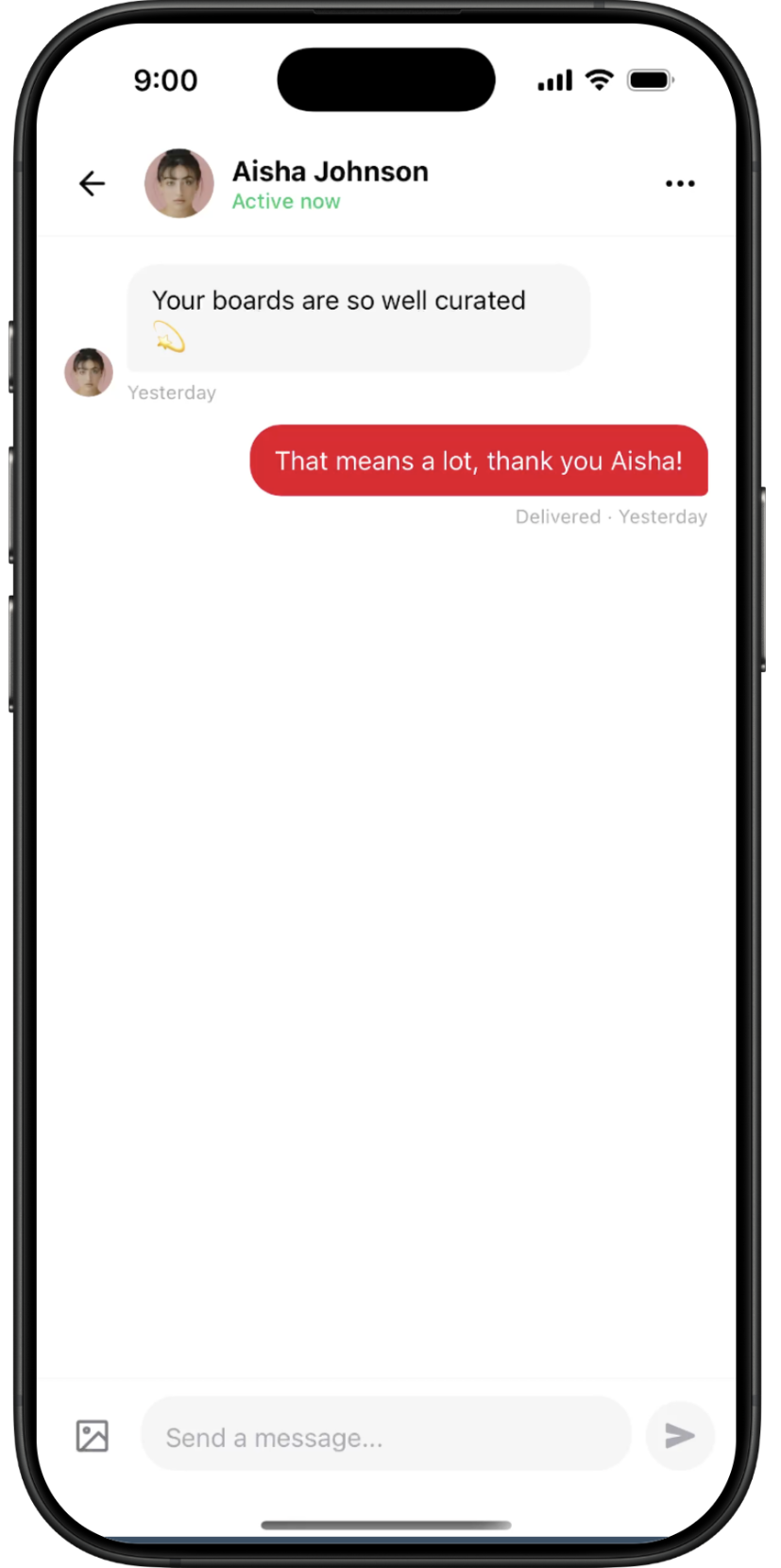
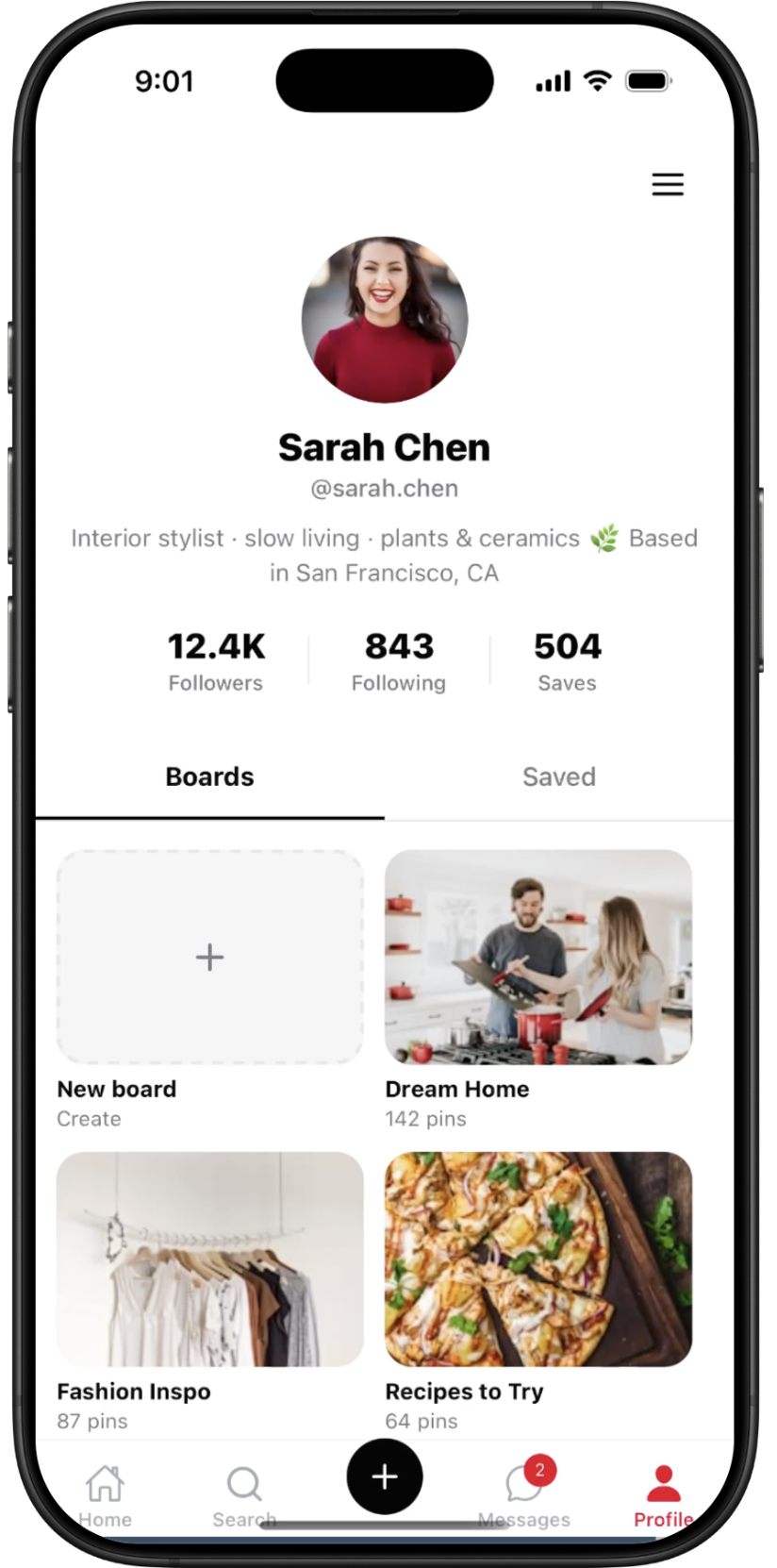
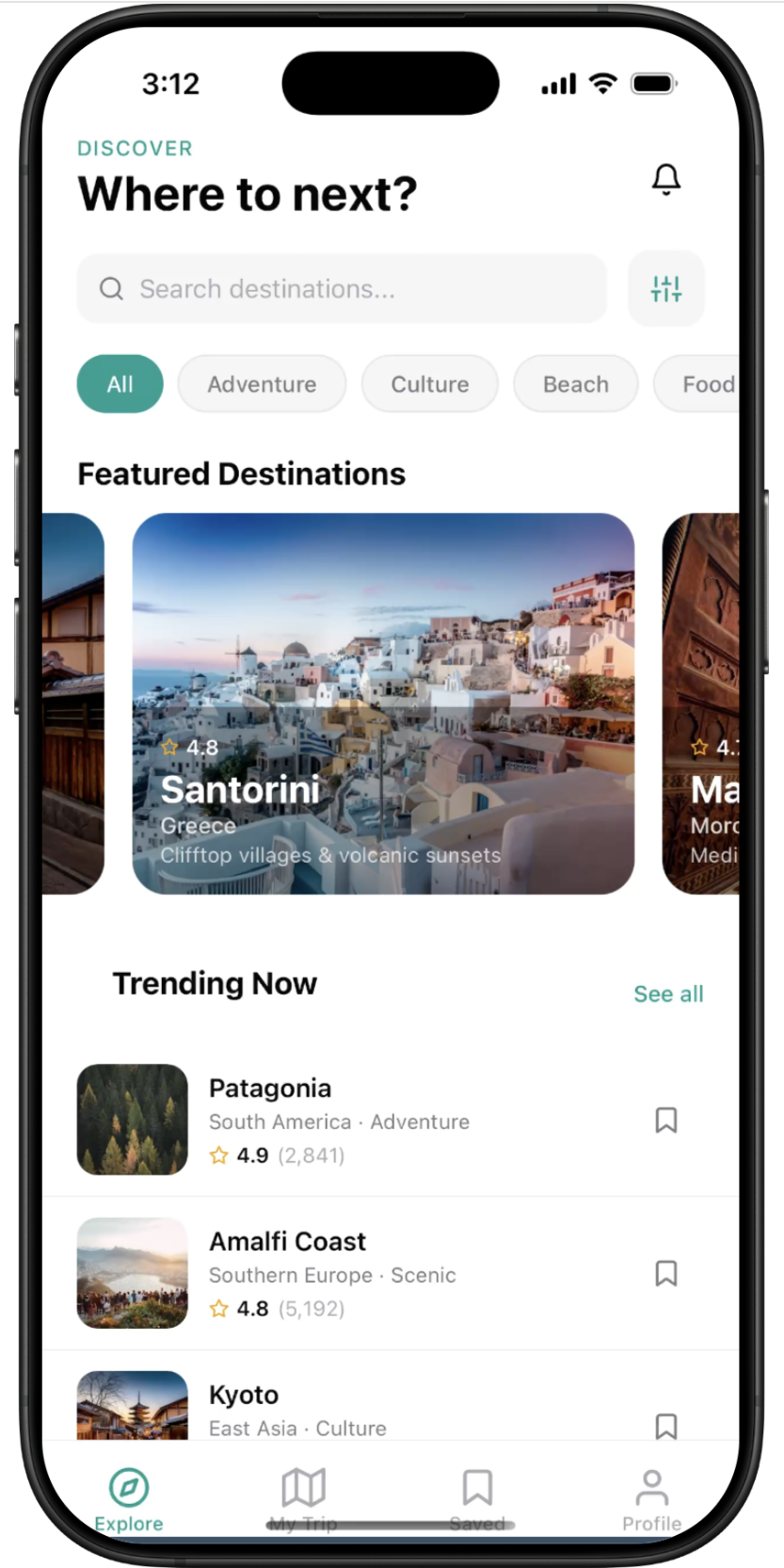
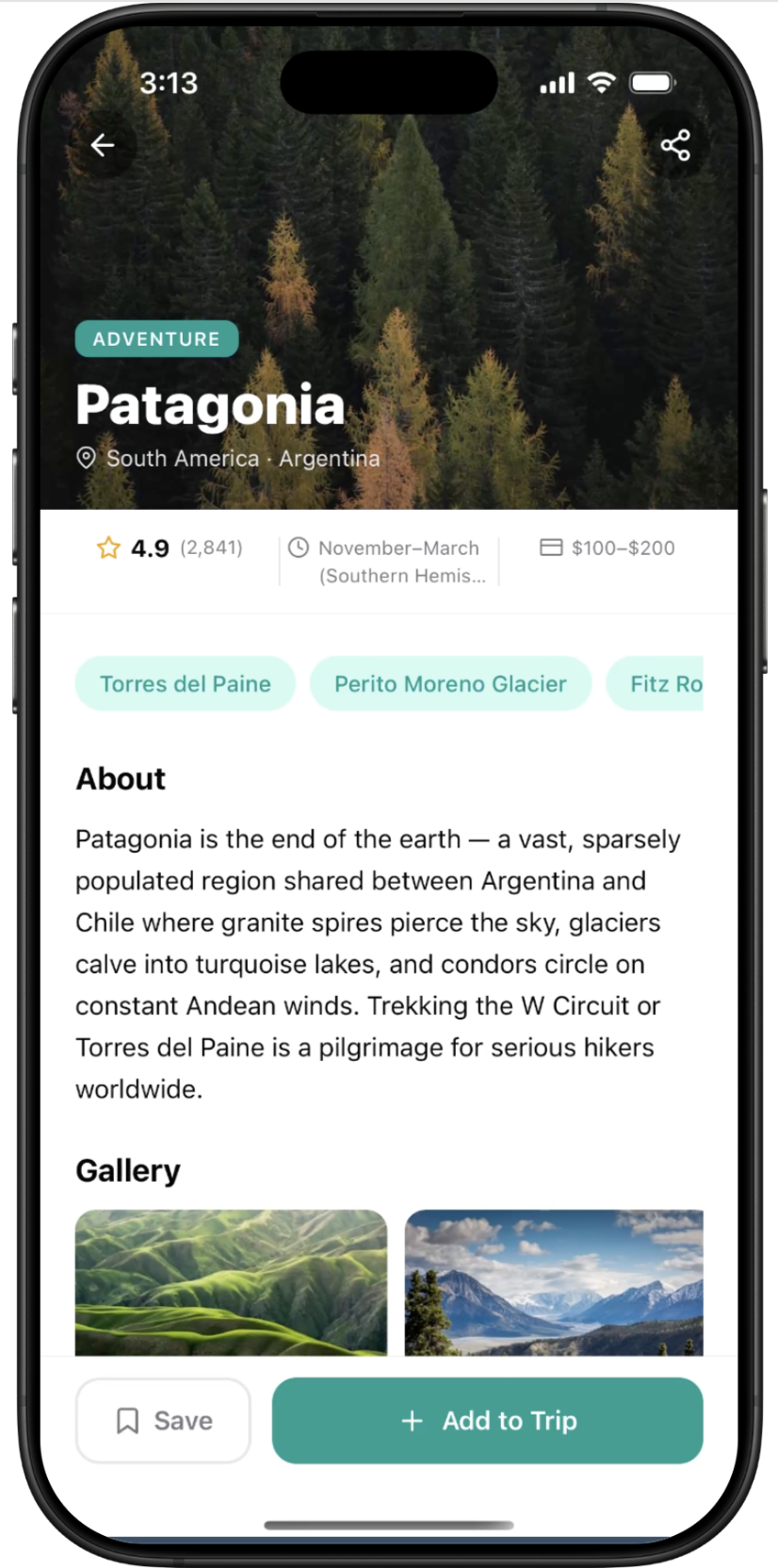
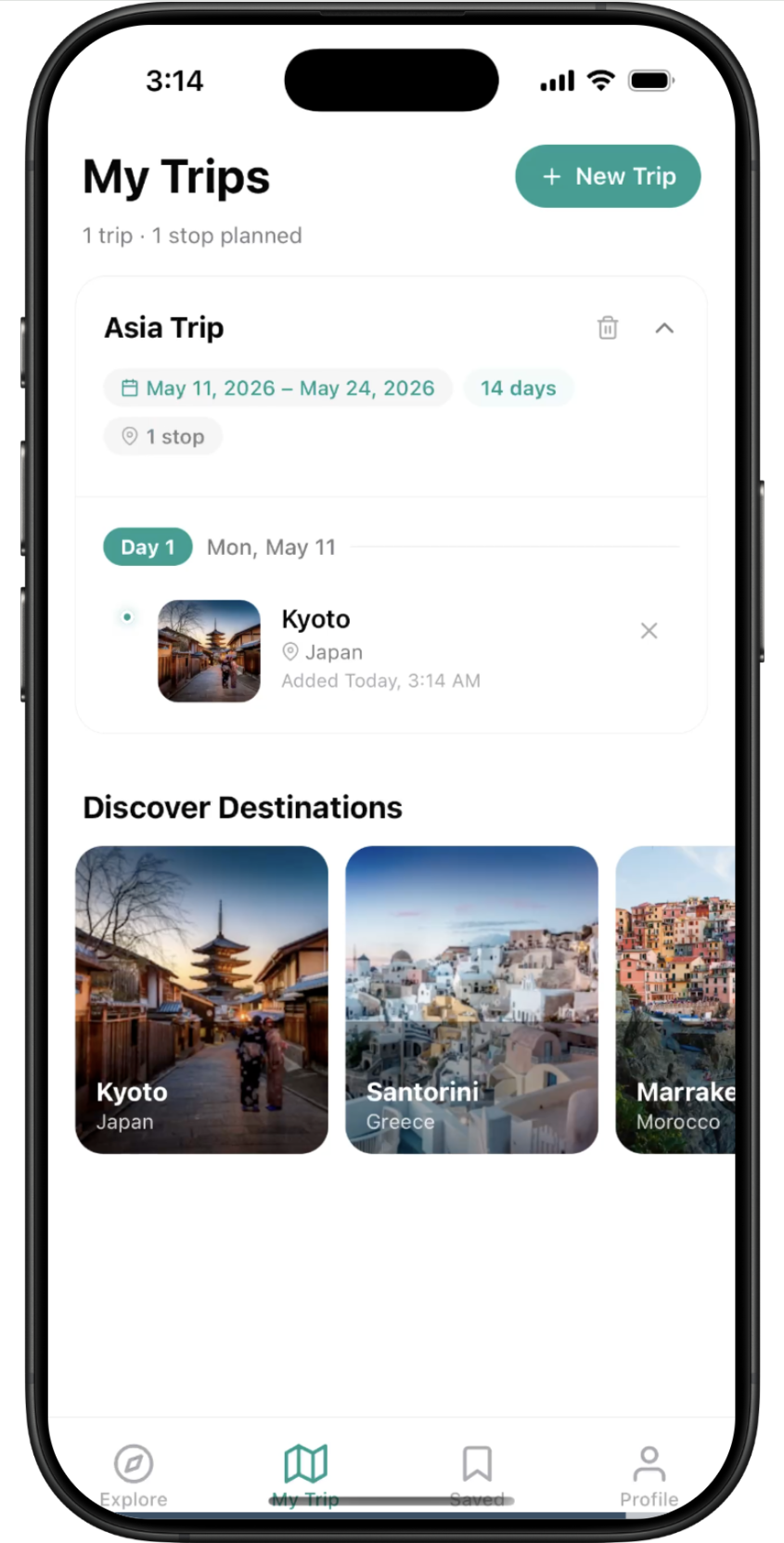
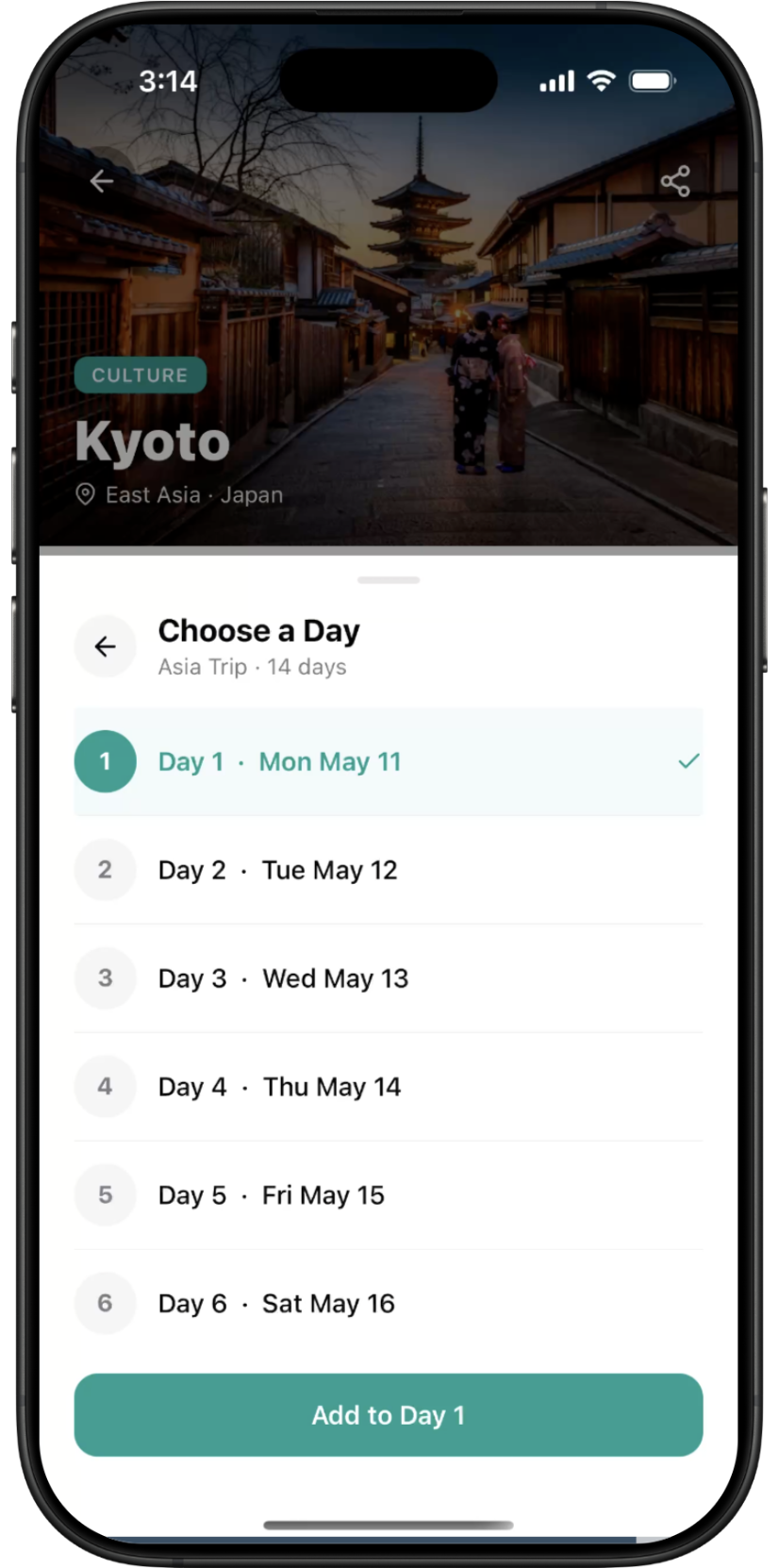
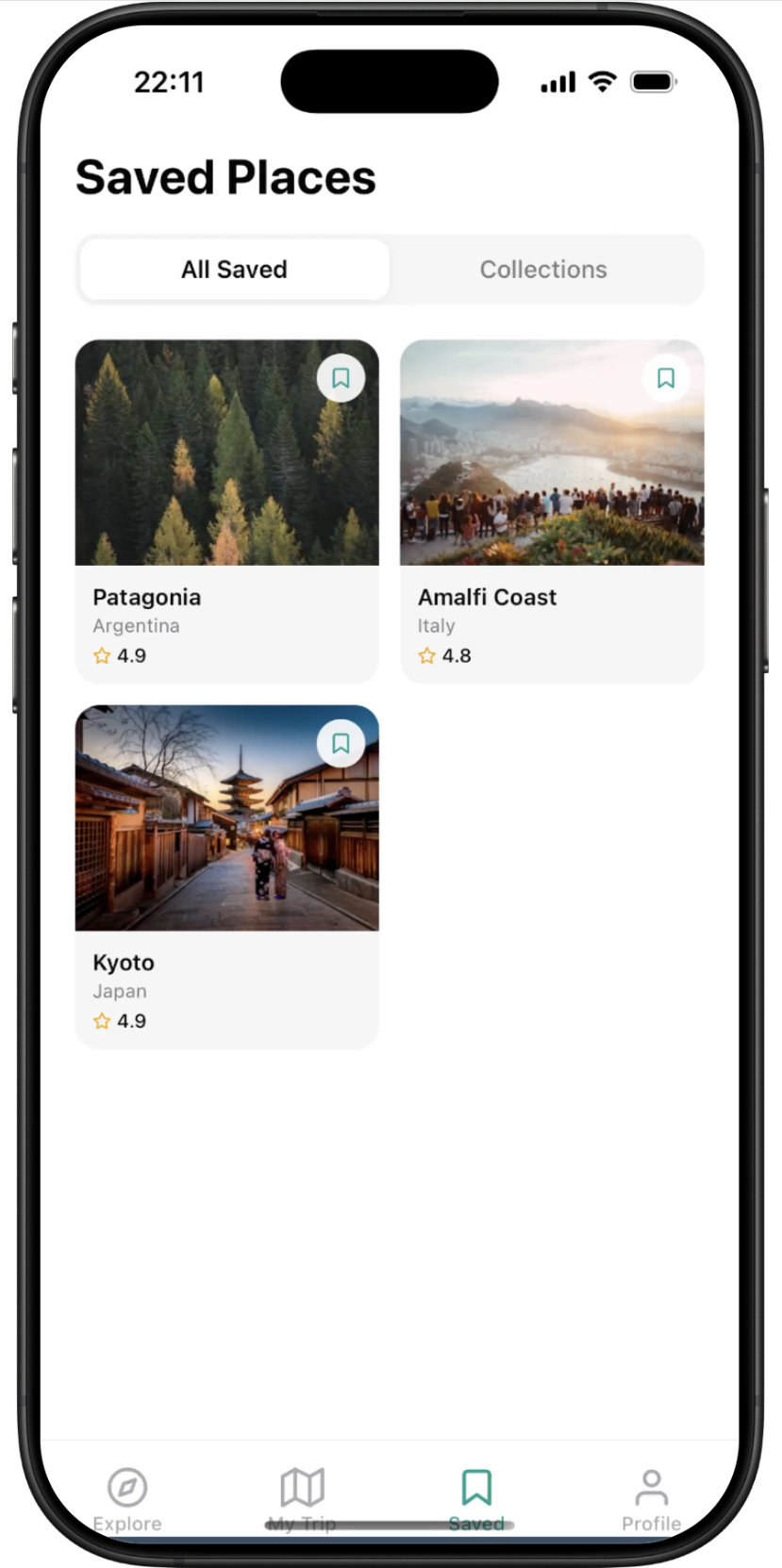
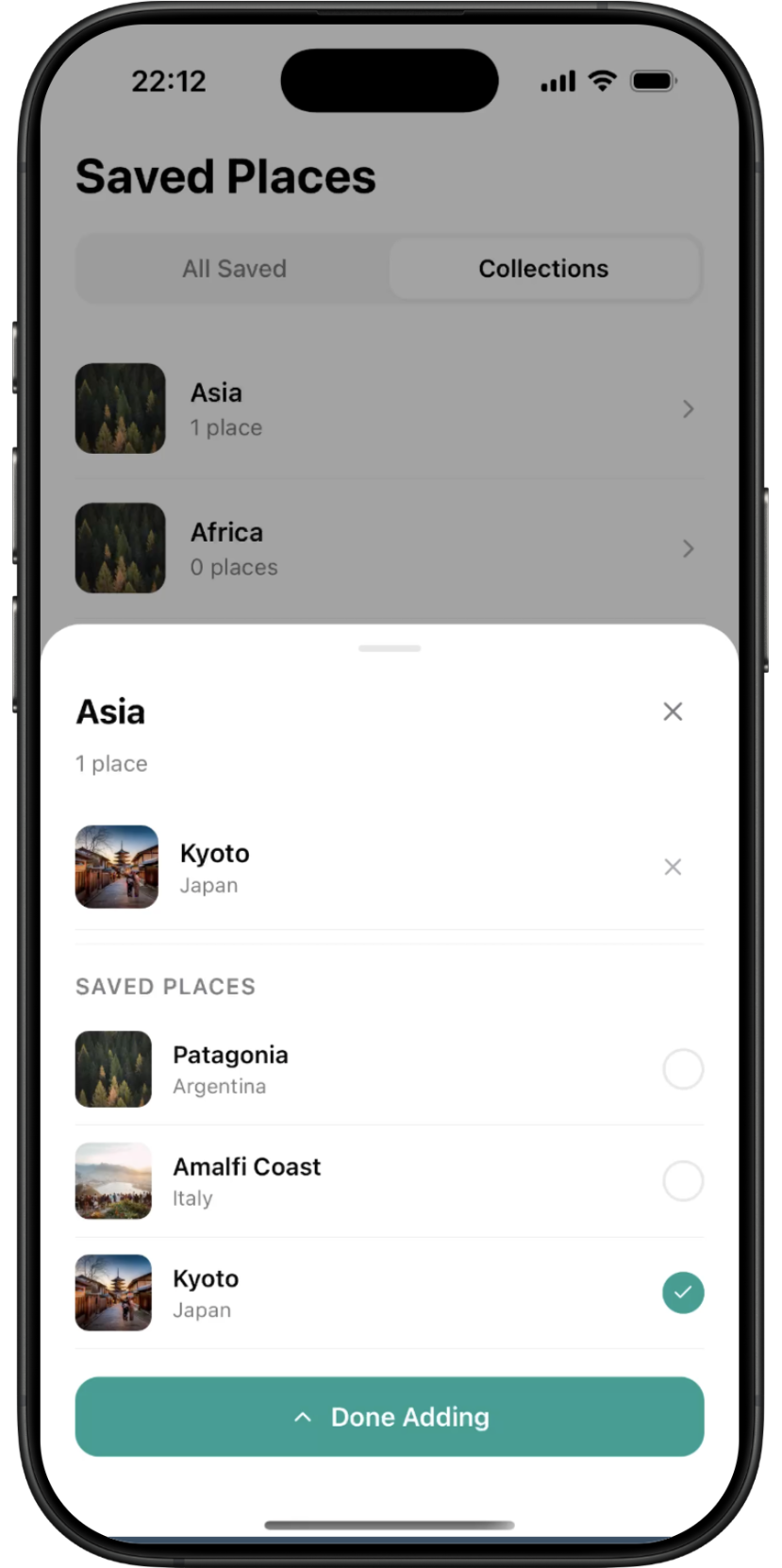
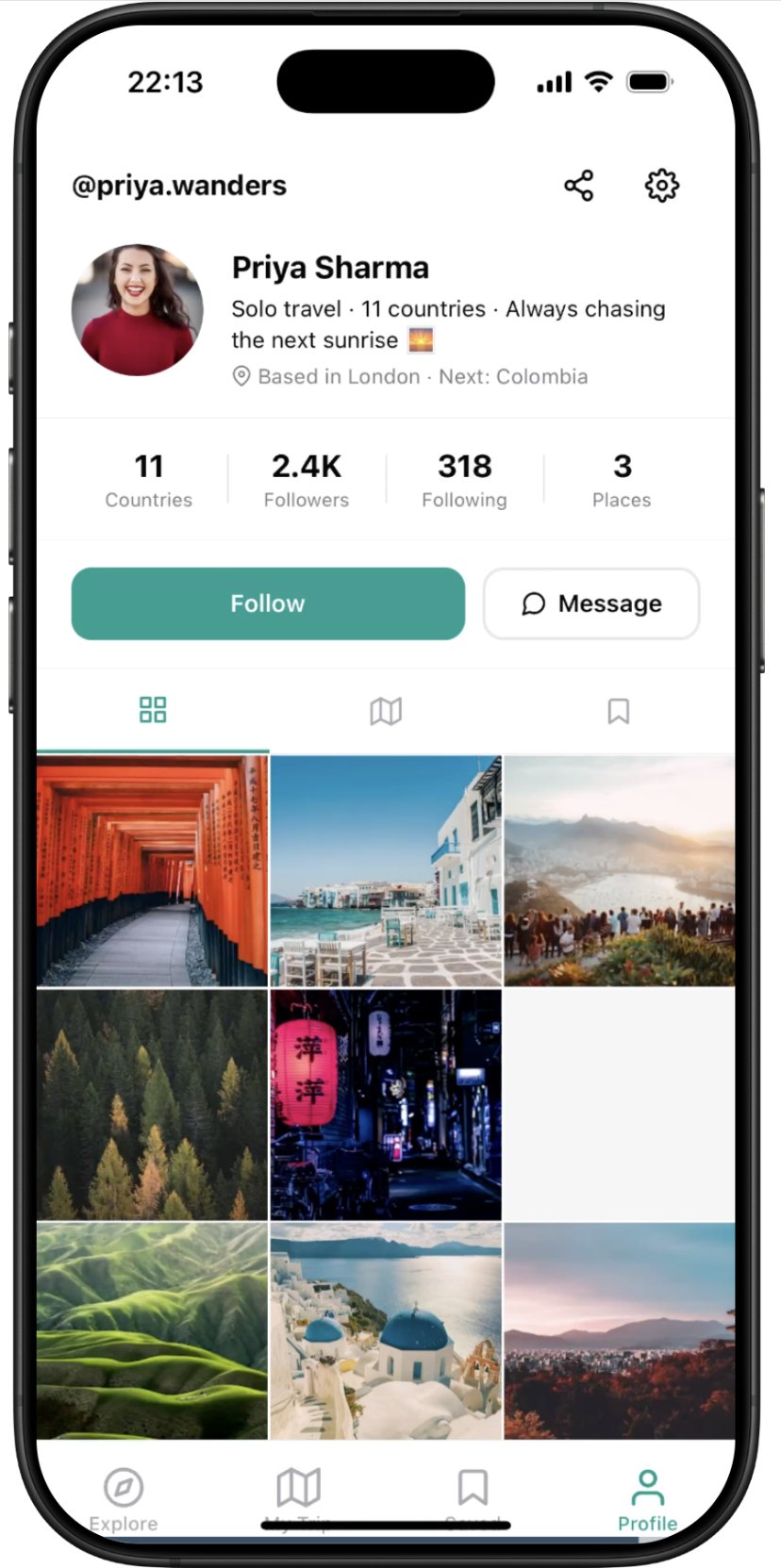
Wandr — screen 1Wandr — screen 2Wandr — screen 3Wandr — screen 4Wandr — screen 5Wandr — screen 6Wandr — screen 7
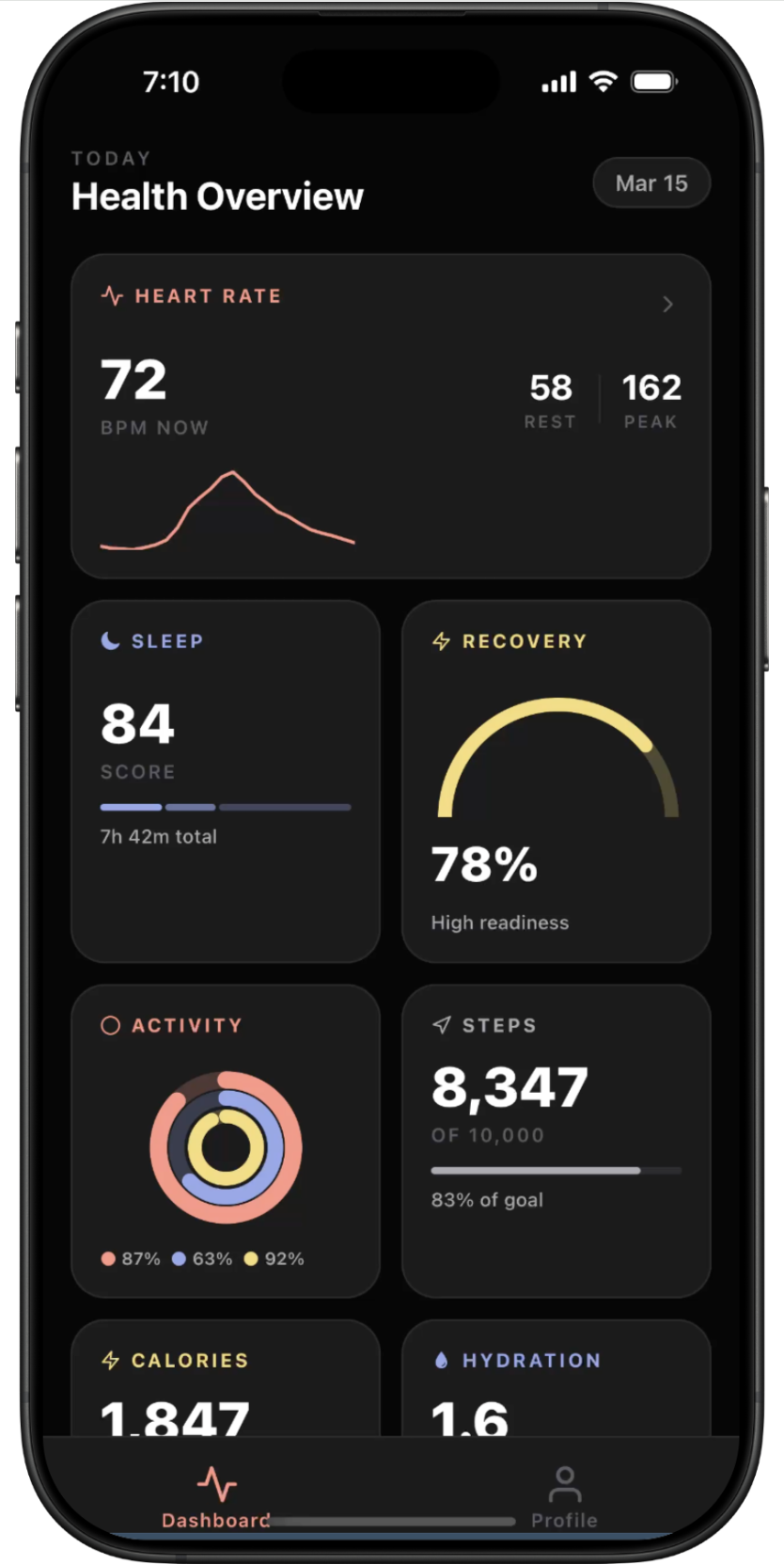
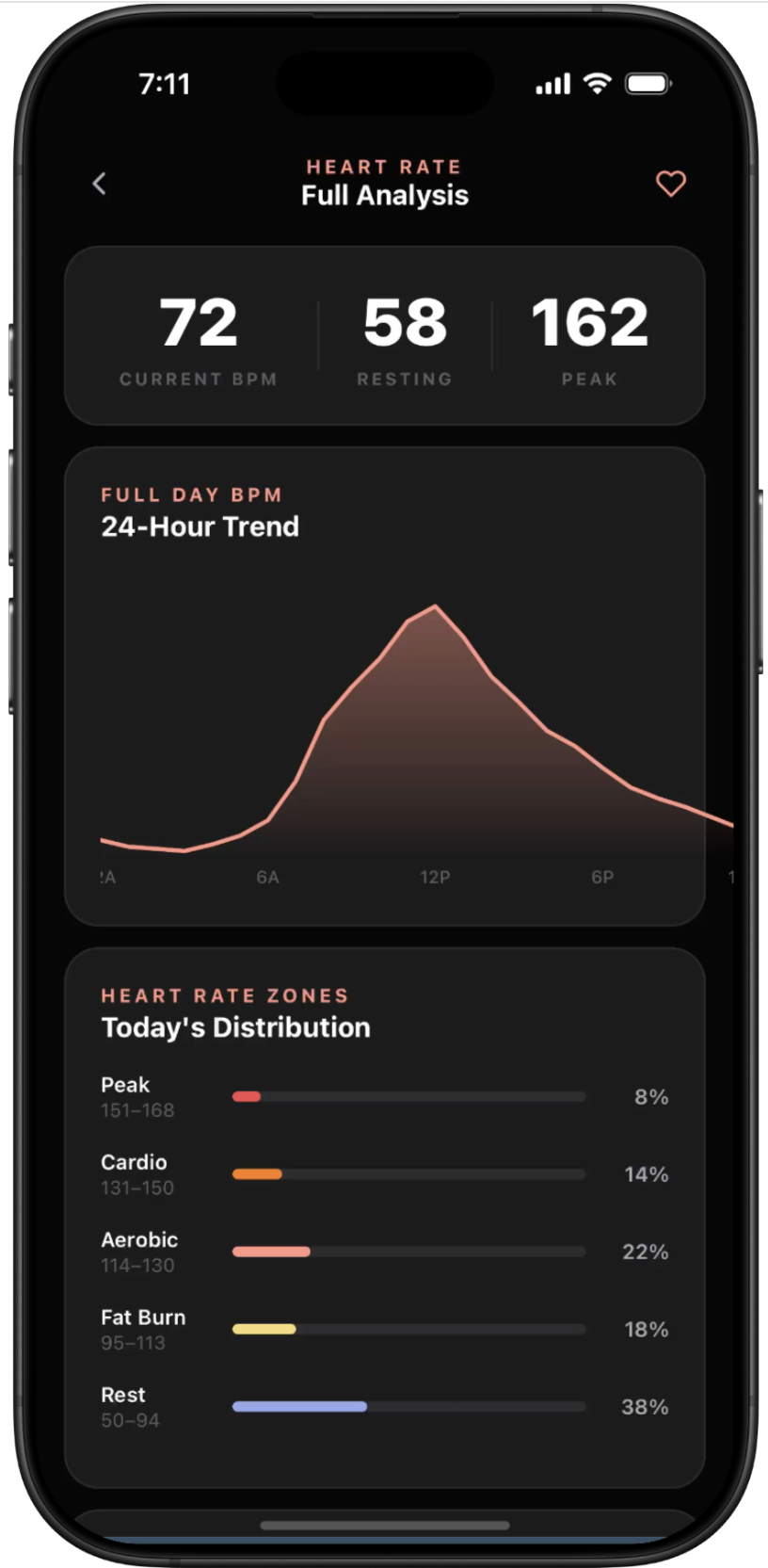
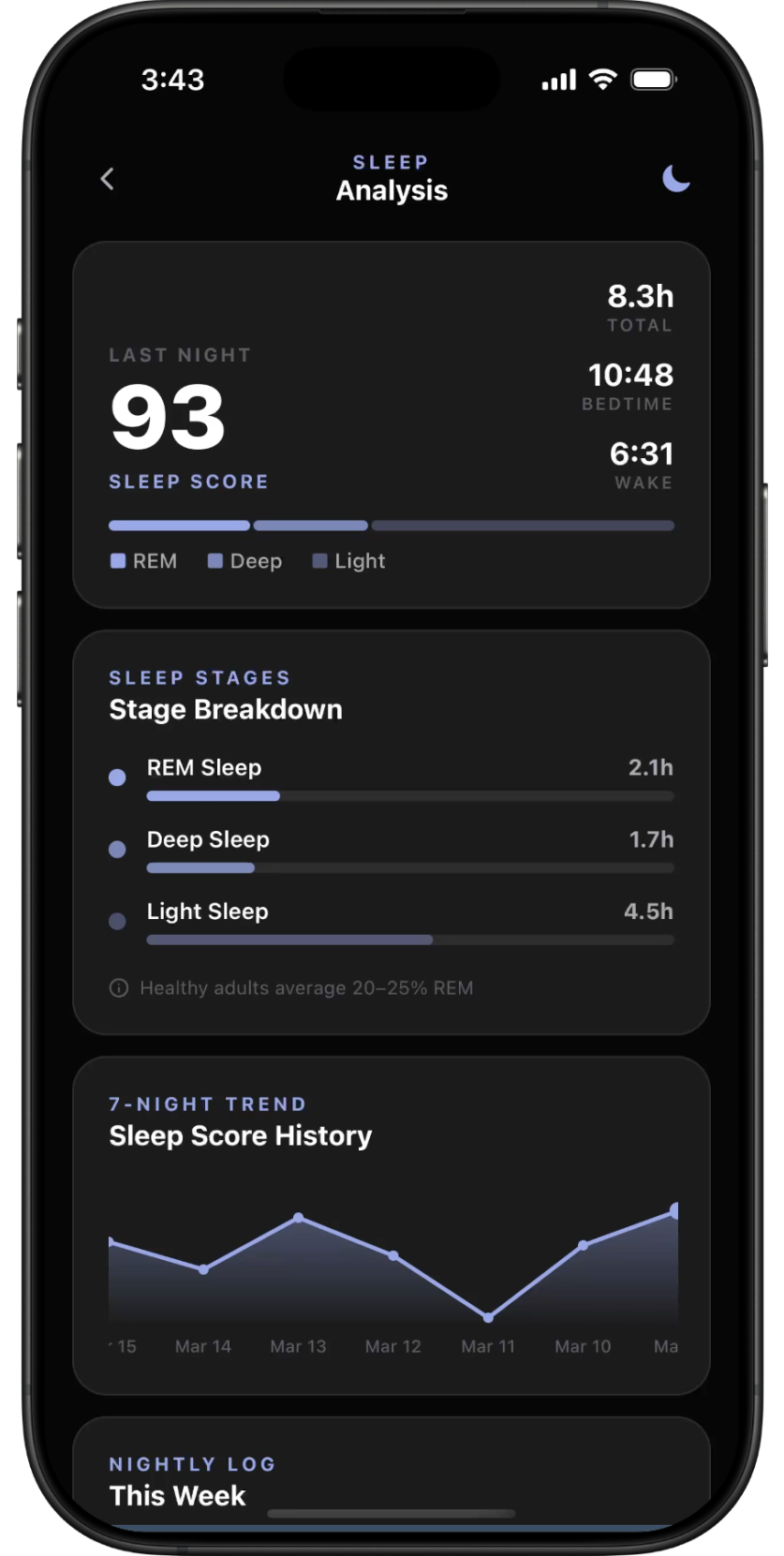
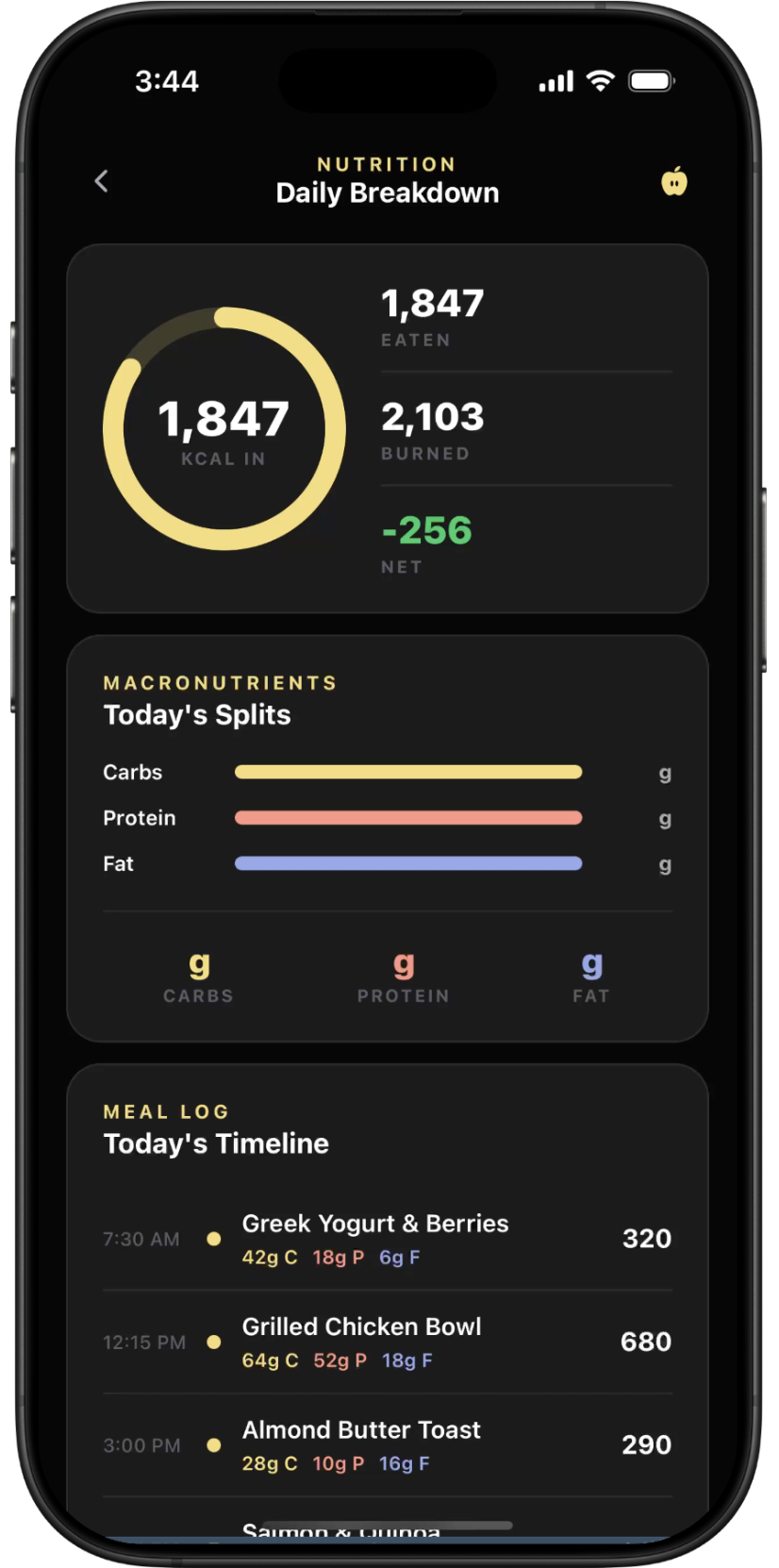
Personal Health Dashboard — screen 1Personal Health Dashboard — screen 2Personal Health Dashboard — screen 3Personal Health Dashboard — screen 4Personal Health Dashboard — screen 5
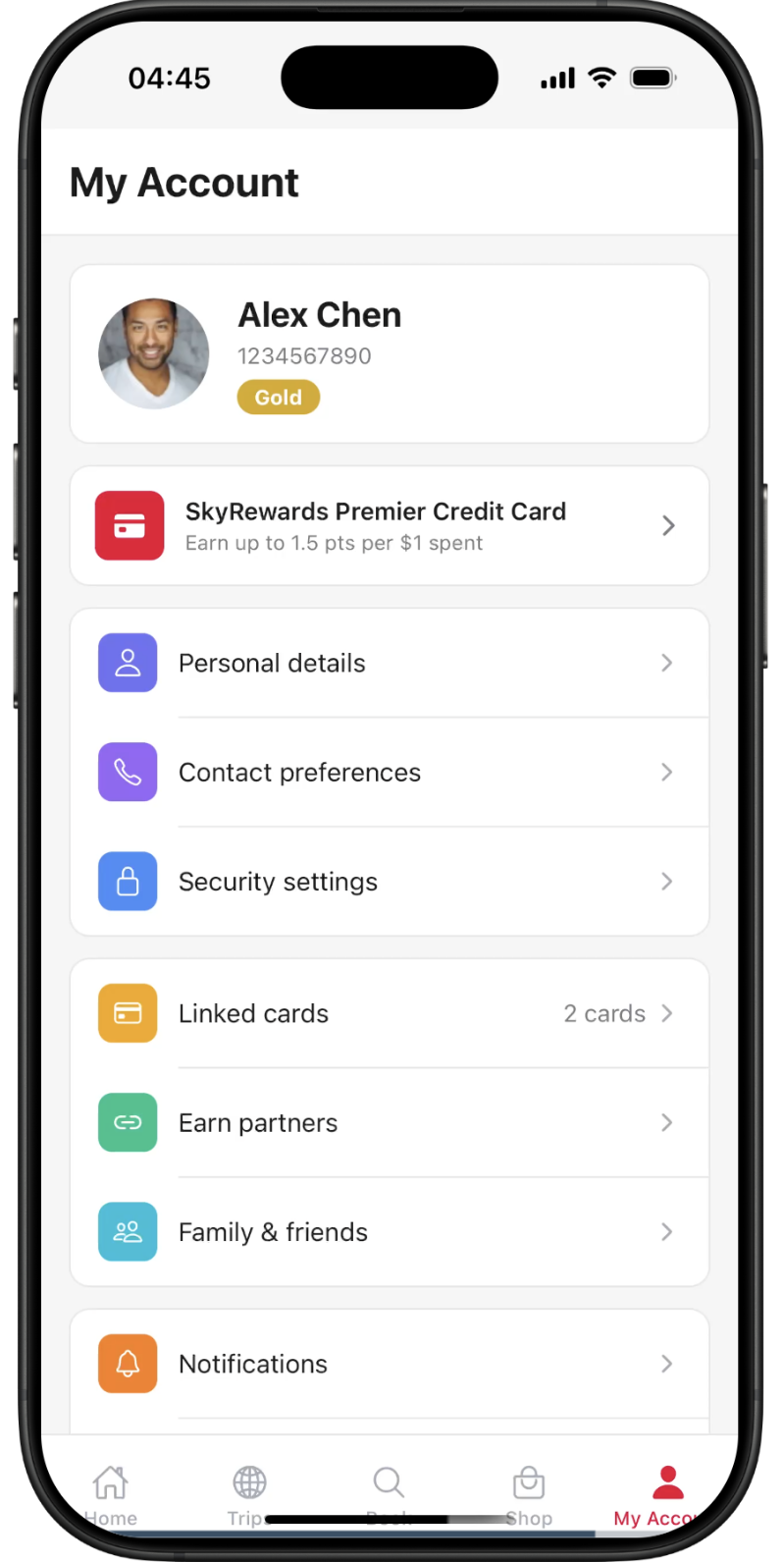
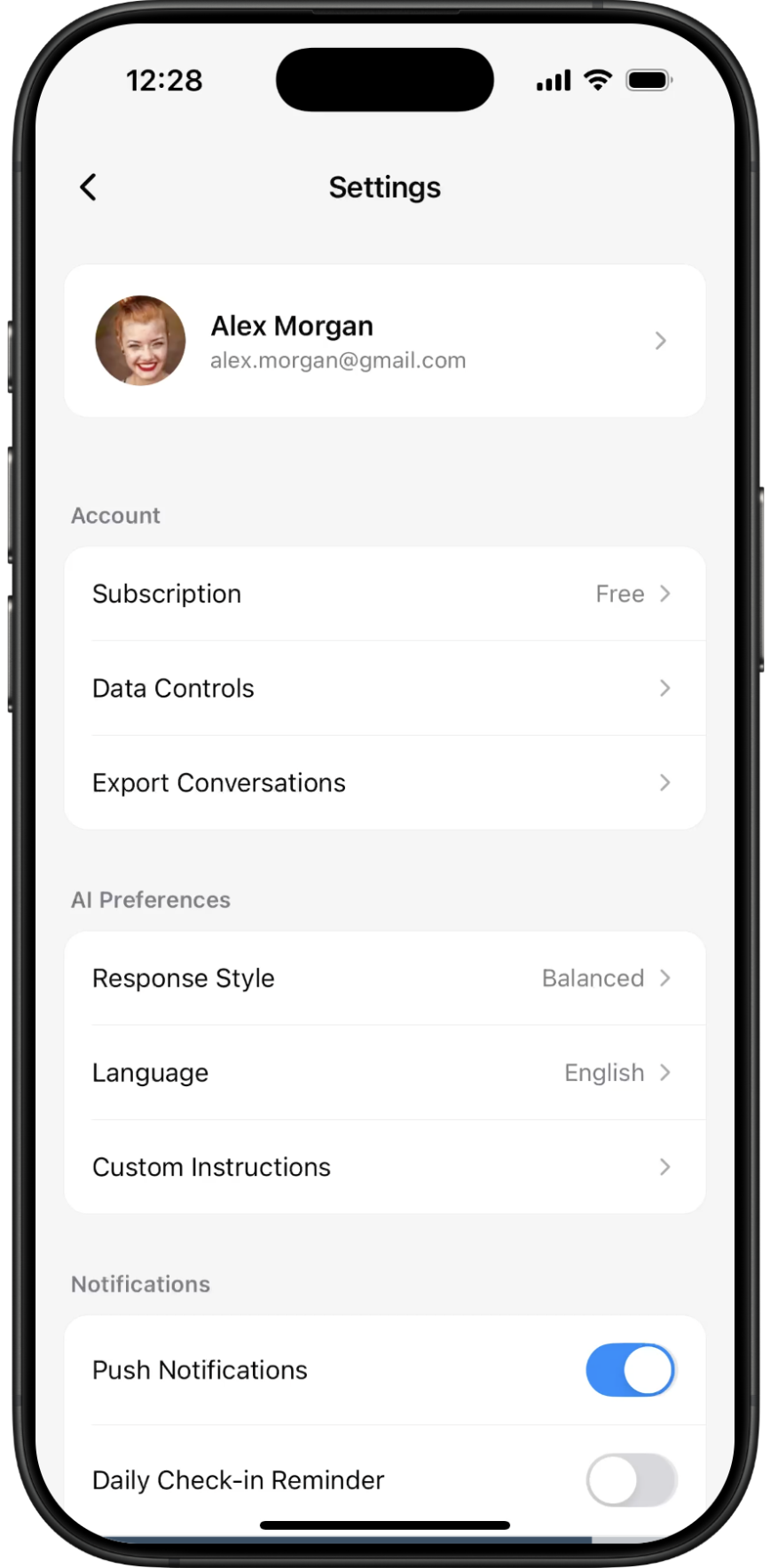
Airbnb-Style Profile & Settings — screen 1Airbnb-Style Profile & Settings — screen 2Airbnb-Style Profile & Settings — screen 3Airbnb-Style Profile & Settings — screen 4Airbnb-Style Profile & Settings — screen 5Airbnb-Style Profile & Settings — screen 6
Blinkit Clone — screen 1Blinkit Clone — screen 2Blinkit Clone — screen 3Blinkit Clone — screen 4Blinkit Clone — screen 5
MusicStream — screen 1MusicStream — screen 2MusicStream — screen 3MusicStream — screen 4MusicStream — screen 5MusicStream — screen 6MusicStream — screen 7MusicStream — screen 8MusicStream — screen 9
Pinnacle — screen 1Pinnacle — screen 2Pinnacle — screen 3Pinnacle — screen 4Pinnacle — screen 5Pinnacle — screen 6Pinnacle — screen 7
Bazario — screen 1Bazario — screen 2Bazario — screen 3Bazario — screen 4Bazario — screen 5Bazario — screen 6Bazario — screen 7Bazario — screen 8Bazario — screen 9Bazario — screen 10
SwiftMail — screen 1SwiftMail — screen 2SwiftMail — screen 3SwiftMail — screen 4SwiftMail — screen 5SwiftMail — screen 6
Wandr — screen 1Wandr — screen 2Wandr — screen 3Wandr — screen 4Wandr — screen 5Wandr — screen 6Wandr — screen 7
Personal Health Dashboard — screen 1Personal Health Dashboard — screen 2Personal Health Dashboard — screen 3Personal Health Dashboard — screen 4Personal Health Dashboard — screen 5
Airbnb-Style Profile & Settings — screen 1Airbnb-Style Profile & Settings — screen 2Airbnb-Style Profile & Settings — screen 3Airbnb-Style Profile & Settings — screen 4Airbnb-Style Profile & Settings — screen 5Airbnb-Style Profile & Settings — screen 6
Blinkit Clone — screen 1Blinkit Clone — screen 2Blinkit Clone — screen 3Blinkit Clone — screen 4Blinkit Clone — screen 5
MusicStream — screen 1MusicStream — screen 2MusicStream — screen 3MusicStream — screen 4MusicStream — screen 5MusicStream — screen 6MusicStream — screen 7MusicStream — screen 8MusicStream — screen 9
Pinnacle — screen 1Pinnacle — screen 2Pinnacle — screen 3Pinnacle — screen 4Pinnacle — screen 5Pinnacle — screen 6Pinnacle — screen 7
Bazario — screen 1Bazario — screen 2Bazario — screen 3Bazario — screen 4Bazario — screen 5Bazario — screen 6Bazario — screen 7Bazario — screen 8Bazario — screen 9Bazario — screen 10
SwiftMail — screen 1SwiftMail — screen 2SwiftMail — screen 3SwiftMail — screen 4SwiftMail — screen 5SwiftMail — screen 6
Wandr — screen 1Wandr — screen 2Wandr — screen 3Wandr — screen 4Wandr — screen 5Wandr — screen 6Wandr — screen 7
Personal Health Dashboard — screen 1Personal Health Dashboard — screen 2Personal Health Dashboard — screen 3Personal Health Dashboard — screen 4Personal Health Dashboard — screen 5
Airbnb-Style Profile & Settings — screen 1Airbnb-Style Profile & Settings — screen 2Airbnb-Style Profile & Settings — screen 3Airbnb-Style Profile & Settings — screen 4Airbnb-Style Profile & Settings — screen 5Airbnb-Style Profile & Settings — screen 6
Blinkit Clone — screen 1Blinkit Clone — screen 2Blinkit Clone — screen 3Blinkit Clone — screen 4Blinkit Clone — screen 5
MusicStream — screen 1MusicStream — screen 2MusicStream — screen 3MusicStream — screen 4MusicStream — screen 5MusicStream — screen 6MusicStream — screen 7MusicStream — screen 8MusicStream — screen 9
Pinnacle — screen 1Pinnacle — screen 2Pinnacle — screen 3Pinnacle — screen 4Pinnacle — screen 5Pinnacle — screen 6Pinnacle — screen 7
Bazario — screen 1Bazario — screen 2Bazario — screen 3Bazario — screen 4Bazario — screen 5Bazario — screen 6Bazario — screen 7Bazario — screen 8Bazario — screen 9Bazario — screen 10
SwiftMail — screen 1SwiftMail — screen 2SwiftMail — screen 3SwiftMail — screen 4SwiftMail — screen 5SwiftMail — screen 6
Wandr — screen 1Wandr — screen 2Wandr — screen 3Wandr — screen 4Wandr — screen 5Wandr — screen 6Wandr — screen 7
Personal Health Dashboard — screen 1Personal Health Dashboard — screen 2Personal Health Dashboard — screen 3Personal Health Dashboard — screen 4Personal Health Dashboard — screen 5
Airbnb-Style Profile & Settings — screen 1Airbnb-Style Profile & Settings — screen 2Airbnb-Style Profile & Settings — screen 3Airbnb-Style Profile & Settings — screen 4Airbnb-Style Profile & Settings — screen 5Airbnb-Style Profile & Settings — screen 6
Blinkit Clone — screen 1Blinkit Clone — screen 2Blinkit Clone — screen 3Blinkit Clone — screen 4Blinkit Clone — screen 5
MusicStream — screen 1MusicStream — screen 2MusicStream — screen 3MusicStream — screen 4MusicStream — screen 5MusicStream — screen 6MusicStream — screen 7MusicStream — screen 8MusicStream — screen 9

Works with

React Native
Expo
TypeScript
Claude
01Free

Browse & preview

Real mobile code.

Every screen is actual React Native, not a web component dressed up for mobile. What you see in the preview is exactly what runs on your phone.

Start with templates
02Pro

Generate with AI

From idea to working app.

No manual wireframing, no back and forth between tools. Describe what you want to build, watch it come to life, and iterate with follow-up messages until it is exactly right.

Start building
03Studio

Preview and share

See it. Share it.

Every generation has a live preview you can open on your phone. Got something worth showing? Publish it with a link and let anyone see your creation running for real.

Try Studio

Loved by builders

Built a working prototype for my investor demo in under an hour. They thought I had a dev team.

GS

Gabriel Souza

Founder, Buildly

Sent a client a live preview link instead of a PDF mockup. They signed the contract same day.

SZ

Sophie Zimmermann

UX Lead, Nordia

Finally something that generates actual React Native, not some janky web wrapper pretending to be mobile.

SD

Sipho Dlamini

Senior Engineer, Ukasi

I used to spend a week in Figma just to explain an idea. Now I send a link and people get it instantly.

NK

Natalie Keller

Product Designer

As a non-technical founder this is the only way I can show investors what I'm actually building.

LM

Lerato Mokoena

Founder, Towerlite

Pitched 3 ideas this month. All had working prototypes from RNBlocks. Got funded on idea number two.

JM

Jordan Mitchell

Founder, Archly

What will you build?

Build now50 credits · No card required

FAQ

Common questions.

  1. 1Install Expo Go from the App Store or Google Play.
  2. 2Open any screen on RNBlocks and tap "Open in Expo Go".
  3. 3On the page that opens, tap "Open with Expo".
  4. 4The screen loads natively on your device, fully interactive.
  1. 1Open Expo Go on your phone.
  2. 2Tap the scan icon in the top-right of the Expo Go home screen.
  3. 3Point your camera at the QR code shown in the desktop preview panel.
  4. 4The screen opens immediately, no browser step needed.
Expo is a toolkit for building React Native apps. Our previews run on Expo Snack, a browser-based sandbox that renders real React Native. No sign-up or sign-in required to preview.
No. Browse and preview entirely in your browser. To test on your physical phone, install Expo Go from the App Store or Google Play. It's free.
Yes, free with an account. From the screen library, download any .tsx file directly. In Playground, copy your generated screen. In Studio, download a complete .zip with all screens and navigation included.
Not currently. Database-connected generation is on the roadmap. Email support@rnblocks.dev to join the waitlist.
Yes, currently React Native only. Want to see another framework? Email support@rnblocks.dev and we will add it to the roadmap.
Playground generates a single screen from a prompt, great for quick ideas. Studio generates a complete multi-screen app: navigation wired up, shared types, and a consistent design across every screen.